
Community Forums › Forums › 21 Day Program › 21 Day Program: Errors and Solutions
Tagged: educatuion
- This topic has 80 replies, 41 voices, and was last updated 7 months, 3 weeks ago by
epien.
-
AuthorPosts
-
Maria Docheva
ParticipantHello StratEsc,
Thank you for reaching out. Could you please try registering directly using this link. If it still doesn’t work, kindly send us a screenshot of the error you’re seeing so we can investigate further.
StratEsc
ParticipantThanks for your reply but the link takes me back to the dashboard…
Stanislav P.
Membertrader_algorithmique
ParticipantHi Stanislav,
I’ve tried the link you’ve provided and when trying to sign up it is asking me some credentials, I tried to enter those I’ve created for EA Trading Acadamey, unsucessfully.
Is there any way to register to this 21-day free program ?
Many thanks by advance.
Regardsm
Christophe
ParticipantHi,
Hope this message will find you well.
Can someone indicate me how to register to 21-Day free program? I’ve tried below url but asking me to login, without possibility to register.
url tried : https://platform.algotradingspace.com/algo-program/
Many thanks by advance.
cridel
ParticipantHere the message I have right now when register : Apparently you don’t have access to this area (403 Forbidden)
Acy40
ParticipantHi, I’m also trying to register for the free 21 day programme. I’m receiving the same error messages as described above. I’ve submitted a query to ‘support’ via your online page and also emailed, but, to date, no reply. Can you please resolve? Thanks.
Participant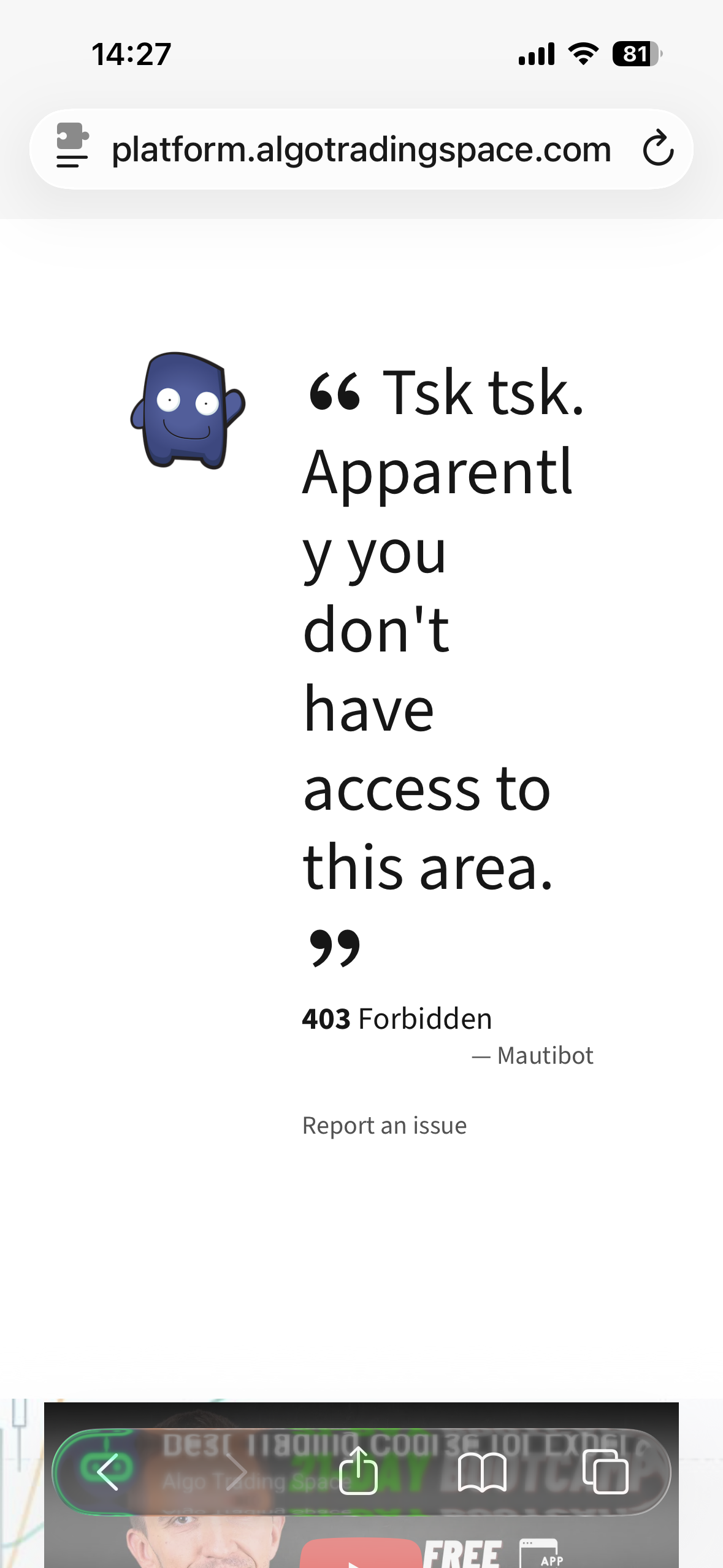 Participant
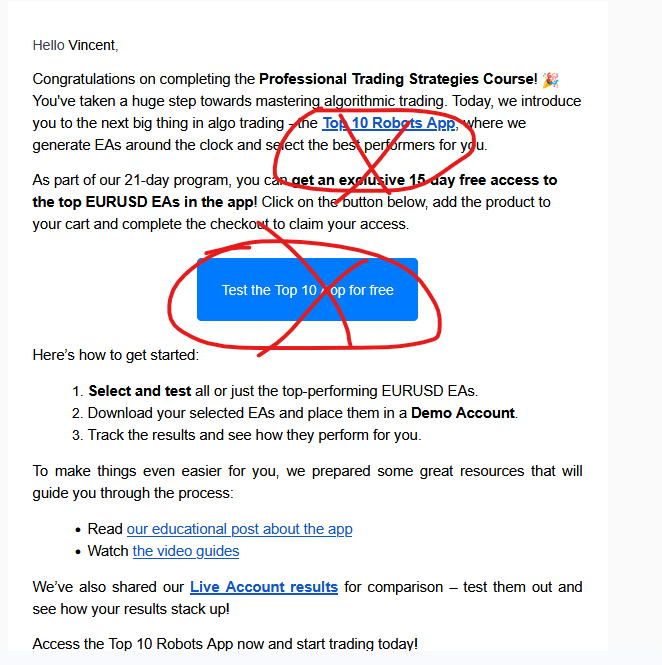
Hello, I hope you are well! I followed the first part with great interest, the links in the second email do not work… do you have a solution? See you soon. Vincent
 Participant
Hello Vincent,
Thank you very much for your feedback — and for following along with interest!
We’re checking the links on our end to identify the issue and will get back to you as soon as possible.ParticipantHey Vincent,
The issue has been fixed — you can try the links again now.
If they still don’t open correctly, please clear your browser cache or try opening them in an incognito/private window; the cache might interfere with the redirect.It should work fine after that!
CalmCleo
ParticipantHello everyone…!
Hein Steures
ParticipantHello,
I switched from MT4 to MT5. My broker is pepperstone. I downloaded the top 5 forex EA’s but I can’t seem to add them to my demo account.
I copied the five EA’s and open MT5 : file>open data folder> MQL5 > Experts > advisors. it doesn’t paste the EA’s . What can I do, what’s wrong?
Samuel Jackson
MemberHi, that makes zero sense. I would restart my computer and try again. If that doesnt work then I would try install mt5 to a different location (C Drive rather than the default location which can have admin issues). Let me know how you get on and if that doesn’t work I can help further
ParticipantHi,
I’ve deleted MT5, restarted my computer and tried to reinstall MT5. Problem is, on a Macbook there is no alternative location : Macintosh HD.
So I have the same problem. Can’t add my EA’s
-
AuthorPosts