
Community Forums › Forums › Ready-to-use Robots › Top 10 EAs › Top 10 EAs: Errors and Solutions
Tagged: EA not getting initiated on the MT5 terminal, EA trading, EAs don't stick, error, Top 10 EAs App, Top 10 forex trading EA's
- This topic has 103 replies, 32 voices, and was last updated 7 months, 3 weeks ago by
Samuel Jackson.
-
AuthorPosts
-
January 26, 2025 at 3:31 pm #428233
Siyabonga Makongwana
ParticipantHello, I bought top 10 robots using 100% coupon it is not working.
Please help
January 29, 2025 at 8:35 am #428745Athresh Keshavamurthy
ParticipantI am using Exness and MT5. I downloaded the top 10 BTCUSD bots and followed the steps as shown in the attached videos. After compiling on MQL i am able to see the EA under Advisors on the MT5 terminal and when i back test it using strategy tester it is working but when i tried to apply it on the respective time frame btcusd chart it is not getting initiated: can some one explain me why happening like this please?
February 1, 2025 at 11:27 am #429311MaronForex
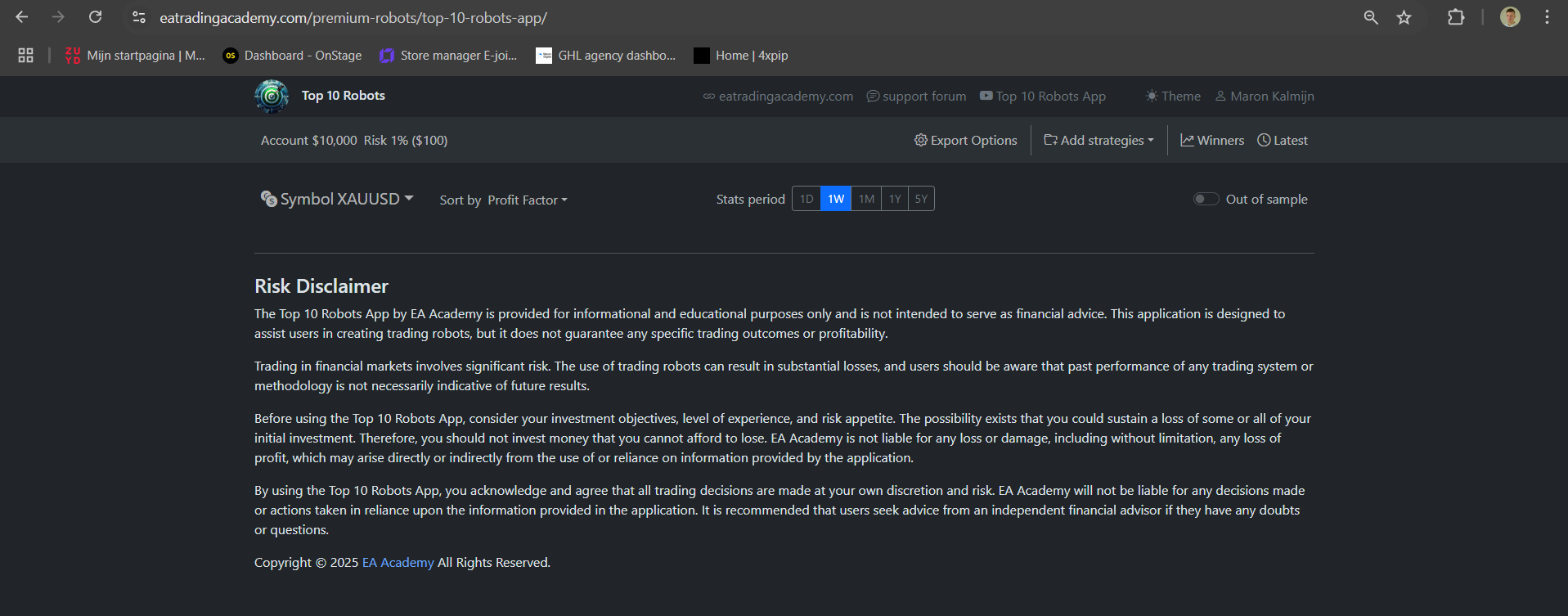
ParticipantThe app is loading, but 0 bots are showing up, whats happening? Why can’t we access the bots anymore?
 February 1, 2025 at 1:35 pm #429334
Mhayk Whandson da Silva Lima
ParticipantI am getting the same issue.
February 4, 2025 at 2:55 pm #430082Ranjan Selvan
ParticipantAny one still alive in this forum to reply???
February 18, 2025 at 2:12 pm #432879Marin Stoyanov
KeymasterThere is no 100% coupon for the Top 10 app.
February 25, 2025 at 4:07 pm #436906xingxiaoxiong
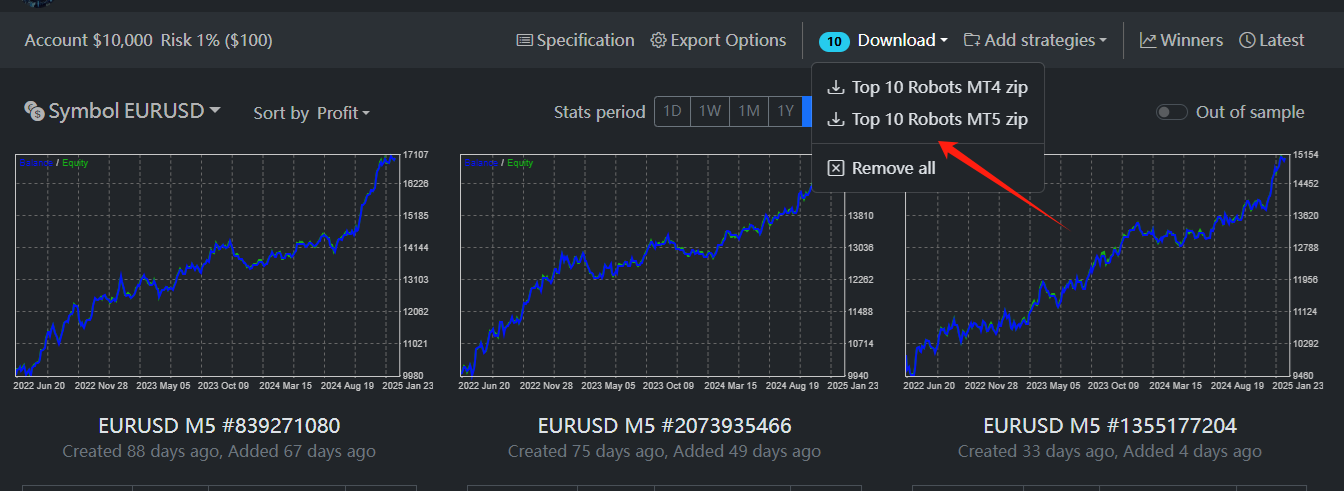
ParticipantI am unable to find the option to download the Portfolio Export; I can only download all items as a zip file.
 February 26, 2025 at 7:58 am #437032Keymaster
Hi, the portfolio expert was removed in December 2024 when we added the new timeframes. Initially the app included only M15 strategies, but we added few more as we found that there are robots that perform well in different timeframes also.
The portfolio expert should be placed on one chart from one timeframe, that’s why when there are multiple timeframes, there is no way to create a portfolio. You can download the separate EAs from the same timeframe and upload them into EA Studio and create the portfolio there but you should bear in mind that with portfolio EAs, the magic numbers are not the actual EA magic numbers, instead they start from the number you put as base number and increase by one for each strategy.
In our roadmap we have a plan to add the actual magic numbers in the portfolio but can’t say exactly when this will happen.
April 17, 2025 at 2:20 am #447815devgabriel300
MemberHi Marin,
Will the EA work as expected if the broker symbol has extension? For example, EURGBP is listed as EURGBP.PRO
See screenshot attached
April 17, 2025 at 3:37 am #447819Membernever mind! i see the EA’s are trading. so i have the answer i needed.
July 7, 2025 at 5:02 pm #460179Mariano Mills
MemberHello, The EAs all say turned off. Why is that?
July 7, 2025 at 5:13 pm #460181MemberIt also disappears after a few minutes.
July 10, 2025 at 7:05 pm #460649Brasov1975
ParticipantHello Support-Team, all indices and crypto based EA from the TOP 10 Robots APP bring zero results in backtesting. I wonder why is that? I have already mailed you, still got no feedback.
July 11, 2025 at 9:52 pm #460833Samuel Jackson
MemberHi Brasov, this must be a backtesting error but you will need to show more information to be able to troubleshoot effectively. Can you show some screenshots so I can help further. Also are you testing on mt4 or mt5?
-
AuthorPosts
- You must be logged in to reply to this topic.