
Community Forums › Forums › Live Trading Results › FX Blue results › Problems with FX Blue
- This topic has 36 replies, 13 voices, and was last updated 1 month, 3 weeks ago by
Juan Calles.
-
AuthorPosts
-
March 20, 2025 at 4:01 pm #441225
CyberWolfdog
ParticipantDear members,
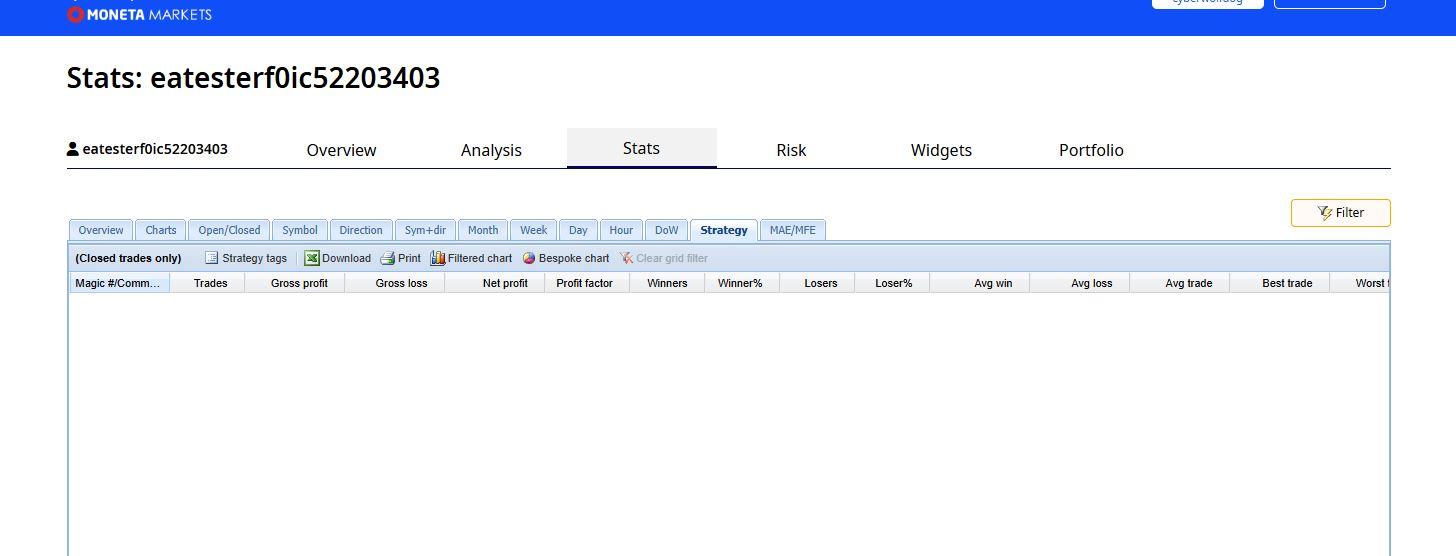
In all my accounts from MT5 I have comments, magic numbers on visible but it doesnt show in the FX Blue Stats-Strategy
Should I disconnect and connect again or delete the account and do them again?
March 20, 2025 at 4:01 pm #441224ParticipantDear members,
In all my accounts from MT5 I have comments, magic numbers on visible but it doesnt show in the FX Blue Stats-Strategy
Should I disconnect and connect again or delete the account and do them again?
March 20, 2025 at 4:07 pm #441226ParticipantIts a bit weird and i don’t want to do xta work if I need to do something else instead
March 20, 2025 at 4:10 pm #441229Participant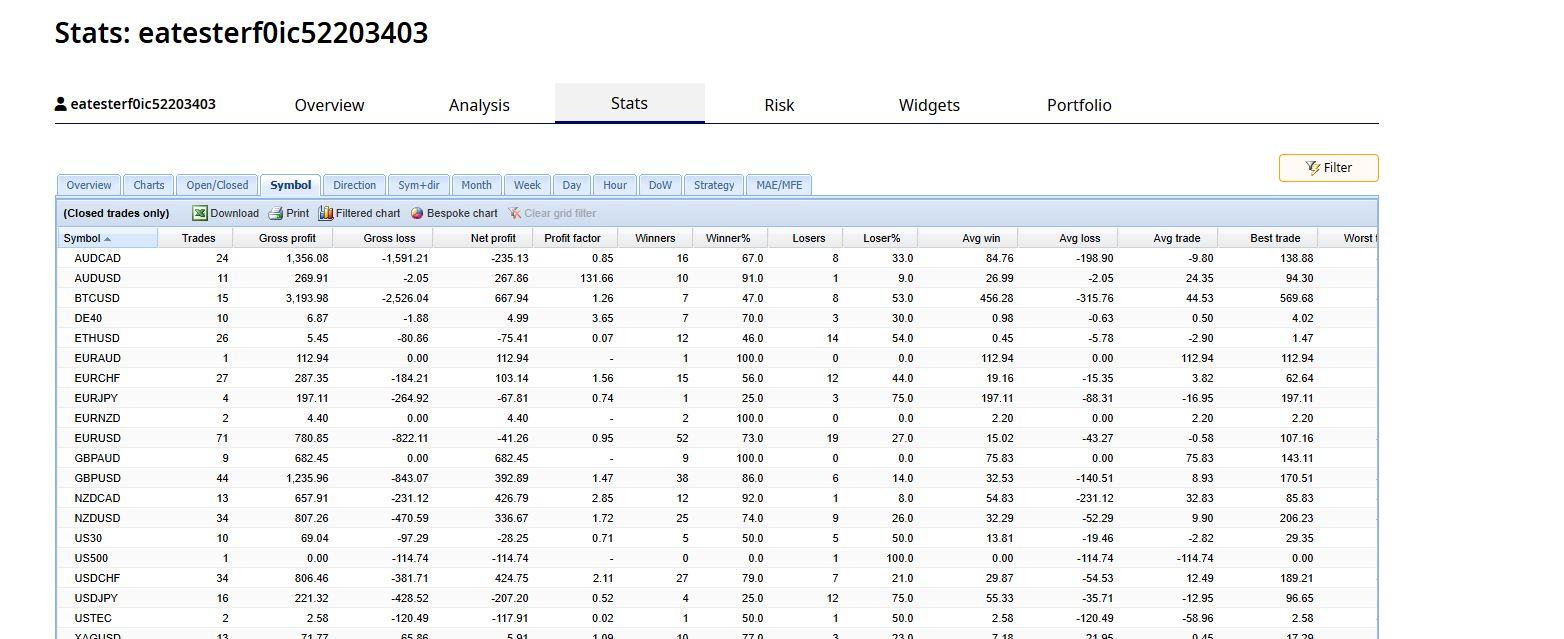 March 20, 2025 at 4:12 pm #441230Participant
And here I don’t see the Magic numbers while they are visible in my MT5
 March 29, 2025 at 1:19 pm #442829
Alan Northam
ParticipantCheck Publisher and make sure Publish Magic Numbers is set to True!
Alan,
August 29, 2025 at 12:36 pm #468558Juan Calles
MemberHi all. Has anyone been having issues with FX Blue Publisher? It’s been working fine for months and now many of my accounts (prop firms) are not synching and giving errors like unable to connect to server. All the settings are correct, I removed it, reintalled, rebooted, reconfigured and still nothing. FxBlue isn’t replying as well…so I’m quite stuck.
August 29, 2025 at 9:59 pm #468612Mariusz Wegrzyn
ParticipantThe same problem I have on all accounts. One they just appeared problem with some http.. fix blue didn’t helt with this issue. I tried MyTrader – it works well for a week and now stopped also all sync. Any solutions?
September 1, 2025 at 12:10 am #468836ParticipantI found a solution for this problem. Just go for advenced option in the bottom of setting: Use XMLHttp – put it to “true”. Problem solved. 🙂
September 1, 2025 at 12:19 am #468837ParticipantSorry – I was too fast, still the same issue.. only worked on one account.
September 1, 2025 at 9:30 am #468859Samuel Jackson
MemberI believe that we have also had some recent issues with fxblue and that they are aware and working on fixing this as soon as possible.
September 3, 2025 at 11:10 pm #470313MemberThis has been going on for months now…who can we contact for support? any ideas? they won’t reply to emails.
September 3, 2025 at 11:17 pm #470318ParticipantHere is a fix option from support:
- Download the latest version of the Publisher EA from https://www.fxblue.com/appstore/15/mt5-publisher, and then make either of the following changes in the EA’s input settings:
- Set OverrideServerUrl to publisher2 (and then follow the instructions for updating the URL list in Tools > Options > Expert Advisers)
Or, change UseHTTPS from true to false
September 3, 2025 at 11:20 pm #470319ParticipantI used this solution and everything works fine, no problems longer.
September 3, 2025 at 11:43 pm #470323MemberHi Mariusz,
The field UsdHTTPS is already set to false and not working. I tried true and false, with no luck.
I have added “publisher2” in the field OverrideServerUrl.
What are the instructions you are referring to for updating the URL list?
The URL I already have in that field is as normal: https://publisher.fxblue.com
Thanks in advance
-
AuthorPosts
- You must be logged in to reply to this topic.