
Community Forums › Forums › Ready-to-use Robots › Prop Firm Robots › Prop Firm Robots: Settings and Inputs
Tagged: #PARAMETERS, copy trading, EA Settings, Envelopes, FTMO, FTMO payments, FTMO Robot Parameters, FTMO Robot settings, High Impact News Settings, Marin Stoyanov, news filter prop firm Alpha Capital., Petko, Pip value for XAUUSD, Prop EA App, Prop Firm Robots, Proprobots stop trading, protection, RSquared PropEA, trailing stop
- This topic has 195 replies, 73 voices, and was last updated 1 month ago by
Xavier Whitfield.
-
AuthorPosts
-
January 2, 2024 at 10:52 pm #224147
MUSTAFA SAMEH
Participant<span style=”vertical-align: inherit;”><span style=”vertical-align: inherit;”>مرحباً، </span></span>
<span style=”vertical-align: inherit;”><span style=”vertical-align: inherit;”>لم أتلق رابطاً لتحميل الإصدار الجديد من الروبوتات</span></span>January 31, 2024 at 3:25 pm #231034Tanyeem gazi
Participanthey i think there needs to be an added trailing stop loss or maybe even breakeven given to each robots these robots leave money on the table but then again results may come out different would love to see your view on this and if possible adding these features seeing the backtest results and also the forward test results (live market)
January 31, 2024 at 5:50 pm #231080Alan Northam
ParticipantHi Tanyeemgazi,
I covered this issue in a difference response. To read my response please click on the following link:
Alan,
February 2, 2024 at 10:41 pm #231746Felipe Jiménez
ParticipantHi, in the FTMO Robot Parameters
Should I adjust the ‘max spread’ parameter based on the currency pair (e.g., AUDCHF says spread of 9, and change the ‘max spread’ parameter to 9), or should I just leave it at 0 (zero), which is the default setting?
Thank you! 😊
February 2, 2024 at 11:07 pm #231754ParticipantHi Felipe,
If the normal spread is 9 and you want to stop trading if the spread gets to wide you might want to set the max spread to 1.5 to 2 times the normal spread or 13 or 18. Its really your decision as to how wide you will let the spread get before you stop allowing the robot to place trades. The other option is to just leave it at 0 which will disable this function.
Alan,
February 9, 2024 at 5:31 am #233303Chris Barry
MemberHi there,
I recently acquired the FTMO Robot selection tool, and after testing it out, I’ve noticed some robots performing well while others are not. I configured it with a $100,000 account balance and downloaded all available robots across various timeframes, testing them on a FTMO demo account. However, I haven’t observed any significant winners or losers so far.
I did read that someone said to test it for a month, but I thought this is why we buy it from this system since they are always being tested.
I’m considering whether running just one EA with a $100,000 balance would yield better results. Does anyone have recommendations for optimizing performance? I’m hesitant to commit to a real challenge until I can successfully pass the demo phase. Your insights would be greatly appreciated.
Thank you.
February 9, 2024 at 1:02 pm #233371ParticipantHi Chris,
With the new FTMO app it is no longer necessary to test the Expert Advisors as the app does this for you.
I would suggest trying different strategies to see which one works for you. Sometimes Petko will use just one Expert Advisor to complete an FTMO Challenge and sometimes he will use three.
I would suggest using the Expert Advisors in a FREE FTMO demo account until you are comfortable with a successful strategy.
Alan,
March 8, 2024 at 2:02 pm #240396Sheldon Butler
ParticipantHi how can i chane unique numbers on ftmo challenge on mt5
March 8, 2024 at 3:00 pm #240410ParticipantHi Sheldon,
Right click on the blue hat in the upper right corner of the trading chart and click on Properties. From there you can change the magic number.
Alan,
March 28, 2024 at 1:11 pm #244918Konstantinos Iliadis
ParticipantHi,
How can the robot have in m15 and m30 tp and sl of 60 and 50 pips in the pair audchf and its the same in the othwr pairs!
They are huge for that time frame
<p style=”text-align: center;”>Can you explain how its programmed?</p>
And can i change the tp and sl?Thank you,
Konstantinos iliadis
March 29, 2024 at 11:40 am #245135ParticipantHi Konstantino,
All the Prop Firm robots have been tested over the last five years and found to be profitable with the current settings. However, the trader is always able to change the settings at their own discretion.
Alan,
April 3, 2024 at 1:39 pm #246243Ross Grant
ParticipantHello,
I have recently installed the 6.0 & 6.1 expert advisers onto my MT5 panel (which is currently running an FTMO trial) and I wanted to double check I had the correct settings. I also wanted to double check the notifications I’m getting in my journal are ok?
I did send an email to the support address but never got a response hence my post on the forum.
I understand the EA’s can take some time before they place a trade so this post isn’t a complaint but more a request for some guidance 🙂
Ive attached some screenshots but let me know if you need any more info.
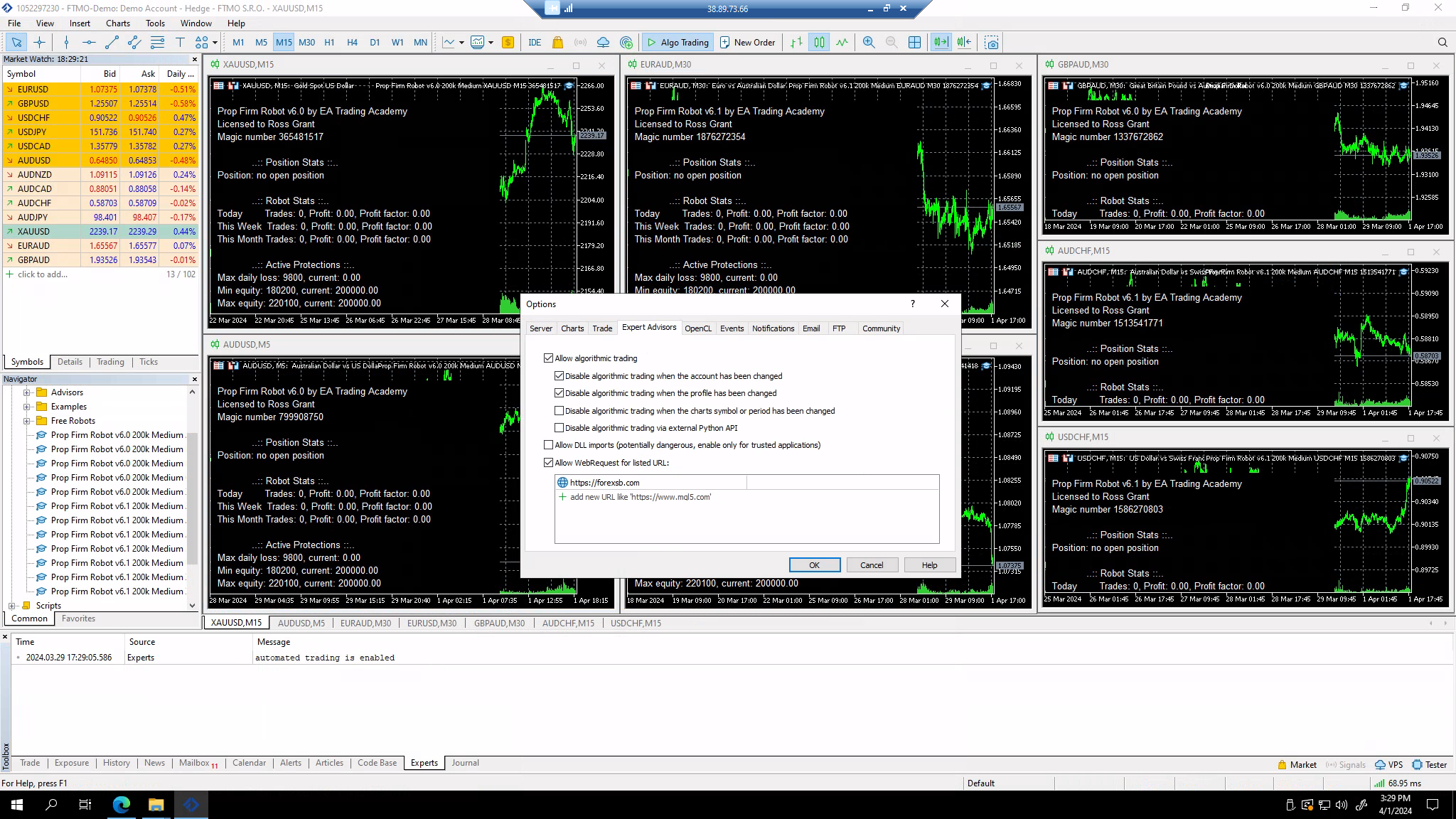
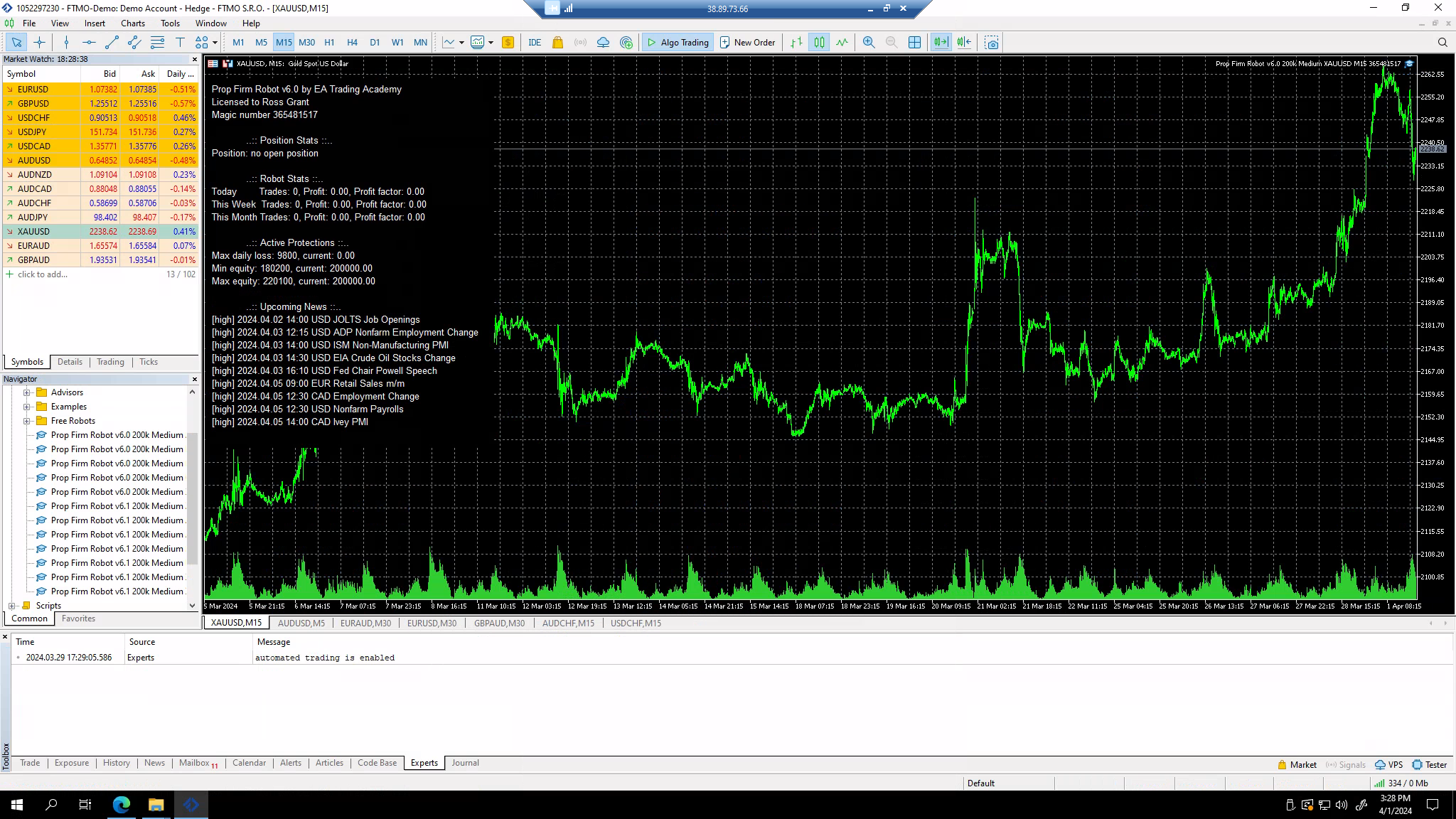
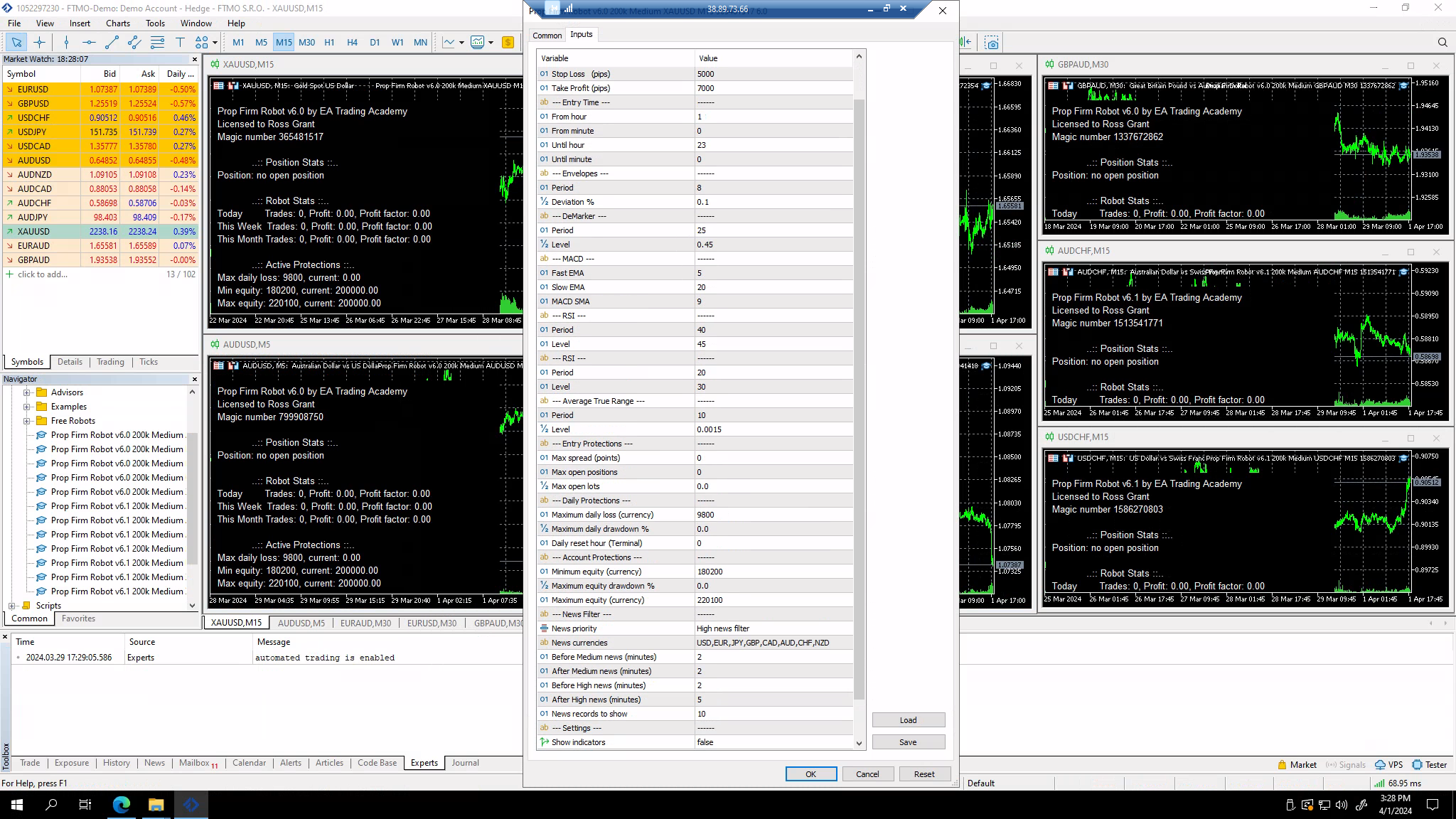
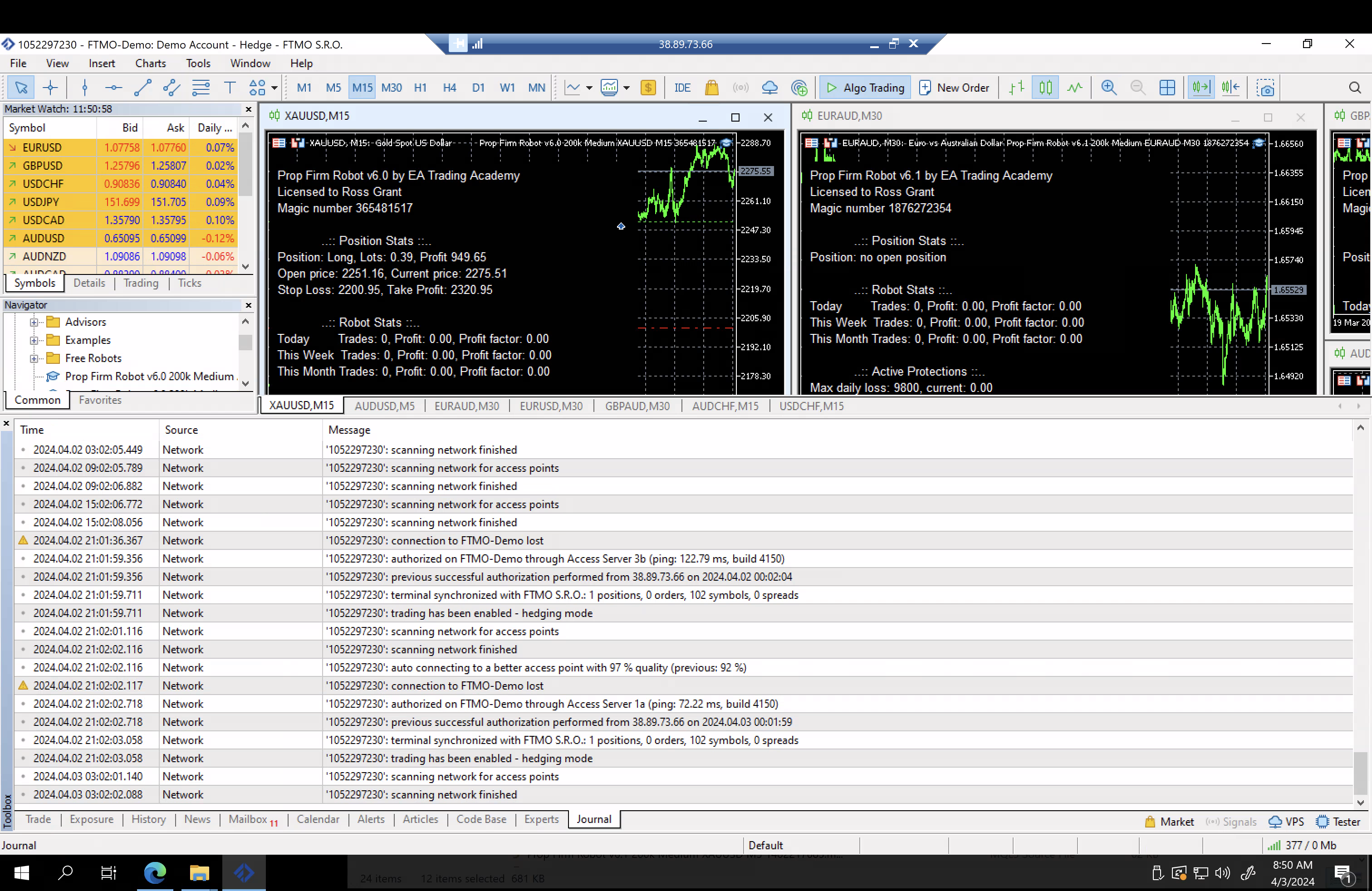
Thanks in advance
April 3, 2024 at 1:40 pm #246265ParticipantHi Ross,
There are no error in the Journal and I have looked at all your images. The robots are set up correctly.
Alan,
April 3, 2024 at 4:51 pm #246305ParticipantHi Alan,
Thanks for your quick response & for reviewing my setup. I will leave as is and monitor accordingly.
With regards to monitoring the EA’s, do you recommend reviewing the weekly charts on Robot App and using this information to pick my active EA’s? Or is weekly too short and a monthly review is better?
Also, when downloading the EA’s, will the Robot App automatically select my lot size depending on how many EA’s I have downloaded? For example if I select top 5 EA’s, will my lot’s be sized accordingly for 5 EA’s being used simultaneously?
April 3, 2024 at 5:21 pm #246318ParticipantHi Ross,
Nikos, one of the eatradingacademy traders just passed a 100K Challenge using the prop firm robots. The following link will show you how he did it>
Also, the EAs are independent from each other. So if you select the medium risk (1% account risk) and you choose to trade 5 robots that will mean you will have an account risk of 5%.
Alan,
-
AuthorPosts
- You must be logged in to reply to this topic.