
Community Forums › Forums › Ready-to-use Robots › Prop Firm Robots › Prop Firm Robots: Errors and Solutions
- This topic has 784 replies, 3 voices, and was last updated 1 month, 2 weeks ago by
Ron Lee.
-
AuthorPosts
-
Trinidad Simmz
ParticipantThanks for your help, much appreciated..
Rick Jäger
Participant<p style=”text-align: left;”>I do have the Same Problem.. my trades will be placed on eurusd and audnzd but the other pairs, are Not Working? Could you have Solved the Problem and can help me?</p>
0xBitpool
ParticipantDepending on market conditions, sometimes pairs will not trade. That’s normal. As long as you don’t have any error messages and auto-trading is enabled, you should be fine.
For more troubleshooting, you can check in metatrader, experts and journal tabs. Check that experts are successfully loaded, with enough bars, etc
ParticipantThe experts are loaded, the smiley is there. And its loaded with 50 bars. Is this ok?
ParticipantShould be fine yes
hvalentino
ParticipantWhy we cannot see your results? did you blow the account?
ParticipantWhy we cannot see your fxbook anymore? you blow the account?
Petko Aleksandrov
KeymasterWhat comes to my mind is that you have low leverage, and there was not enough margin to open the trades?
Second, check if your broker has different suffixes for the symbols. Some might not be eligible for EAs.
Let me know.
ParticipantHello Petko, the current broker account is EightCap using 100:1 leverage
and there are no additional symbol suffixes.
All 7 EA’s are being tracked currently, & I also have attempted to track them with Foreign Clearing House & Oanda demo accounts.
ParticipantIt turned private. Trying to solve this 🙂
ParticipantHave the EAs finally traded?
Ghiath Nezari
MemberHello everyone.
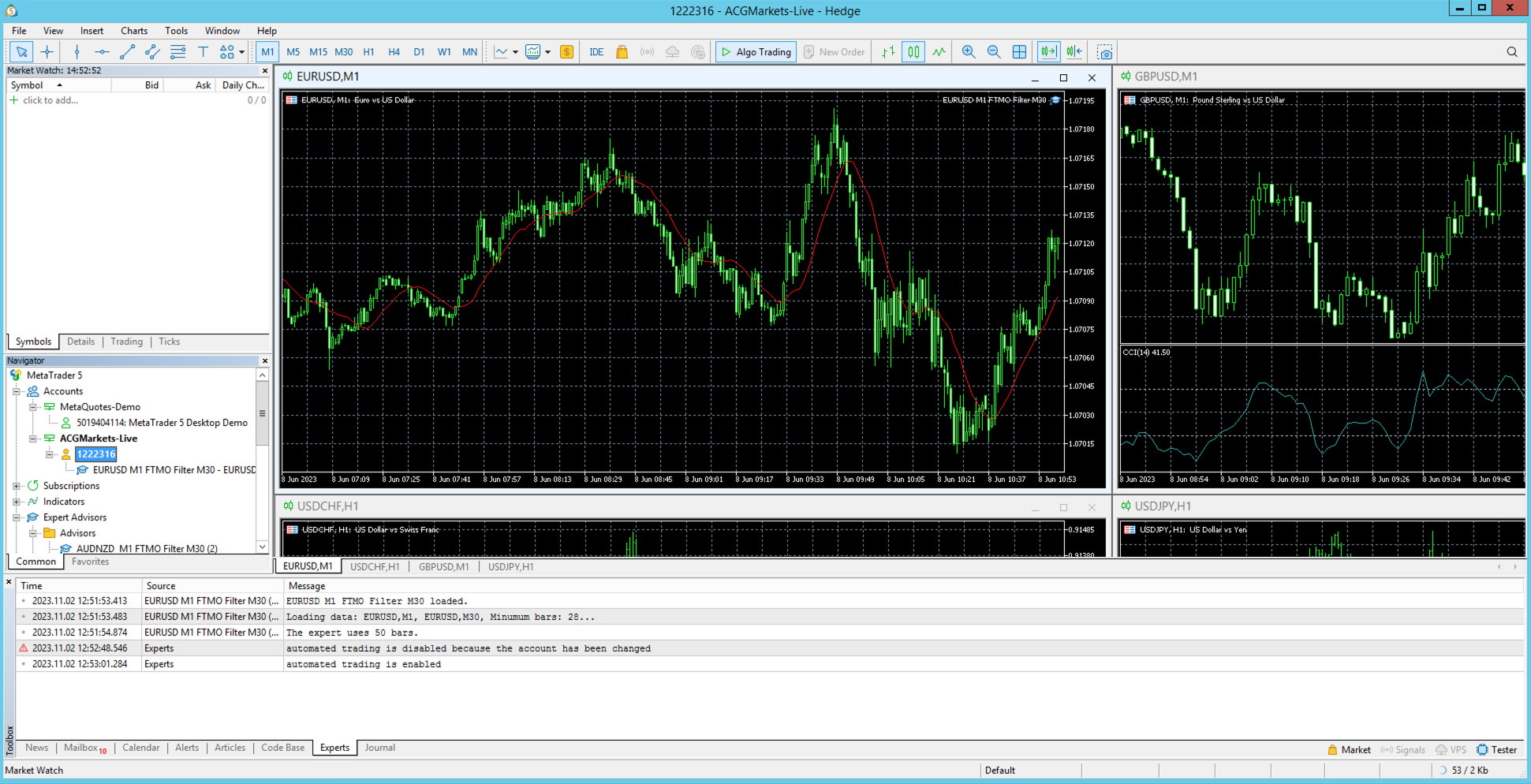
Do anybody know why the button for trading doesn’t show up on my MT5?
I have put the FTMO robot on but no trades and no way for me to make manual trade’s.The account and server is correct
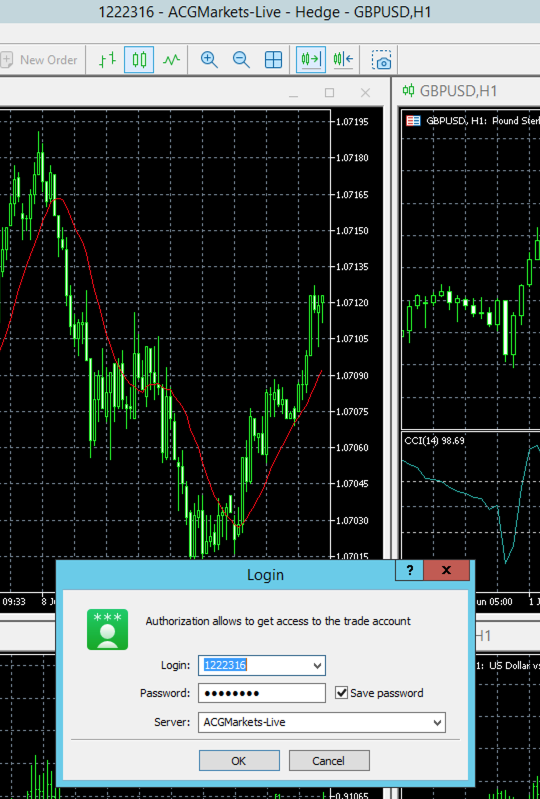
There is no trade button next to the news, mailbox, calender etc.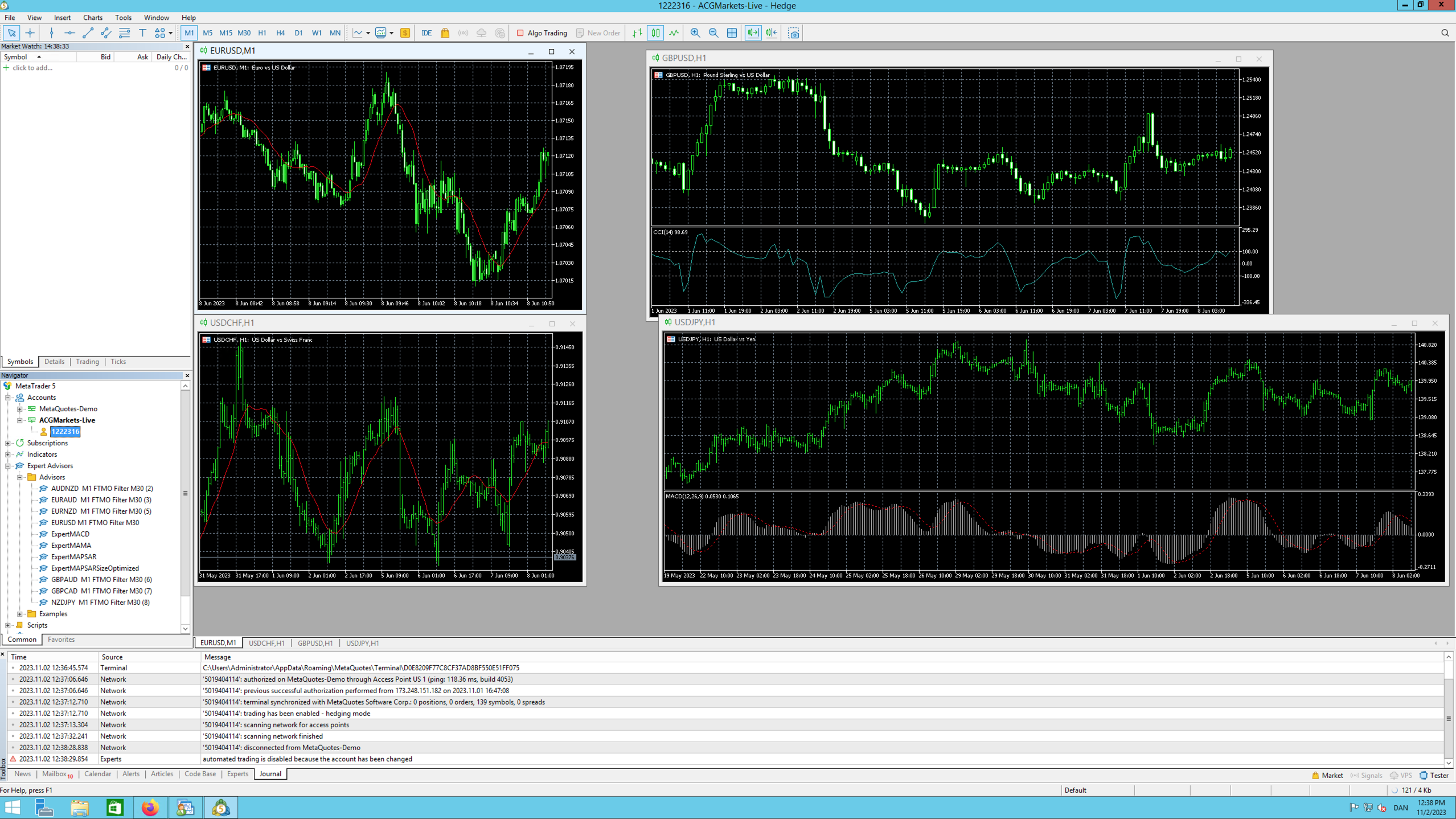
Alan Northam
ParticipantLog into your account. Press Algo Trading button. Install EA on correct chart and time frame.
Alan,
Benedikt Schneider
Participantthe FTMO bots only work on MT4 not on MT5. Set up straight away and with MT5 no trade breaks even and no trend reversal is detected. With MT4 everything without problems. Can this be fixed please as my challenge only runs on MT5
derin üçal
MemberHello i set up new version of ftmo v5 but its ben more than 10 hours but i dont see any open trades.I also did after hitting auto mode.Thanks you
-
AuthorPosts