
Community Forums › Forums › Ready-to-use Robots › Prop Firm Robots › Prop Firm Robots: Errors and Solutions
- This topic has 782 replies, 1 voice, and was last updated 1 week, 1 day ago by
jordan6566.
-
AuthorPosts
-
June 8, 2025 at 8:16 pm #455114
Alan Northam
ParticipantWhen I download MT5 from the metatrader website now I get the error message. The MT5 I used from DarwinxZero is an older version of MT5. The version I downloaded from the metatrader website is the latest version. So, I suspect a bug in the latest release.
Alan,
June 8, 2025 at 9:45 pm #455130Brendan Conway
ParticipantHi Alan. I suspect you may be right as I was prompted to close mt5 terminal to install the update. It was after that when I received the error message. What would you suggest as a possible solution, or just wait and let the Metaquotes deal with the bug?
June 9, 2025 at 6:18 am #455158Vagarro Willie
MemberHi Everyone,
The prop firm EA’s I downloaded today are giving an error when I try and compile them. I updated the MT5 terminal this weekend and now I am getting error compiling and loading the EAs. I have tried multiple EAs and getting the same errors
‘MQL5_TRADE_ALLOWED’ is deprecated, use ‘MQL_TRADE_ALLOWED’
‘lineWidth’ – parameter conversion not allowed
Has anyone else seen this error?
June 9, 2025 at 7:08 am #455163ParticipantHi Brendan,
You can try to use your MT5 setup file and install another MT5 terminal and see if that works. However, I don’t know if it will install the previous version or look for the latest version to install. I suspect it will install the latest version, but give it a try.
Alan,
June 9, 2025 at 10:18 am #455175Marin Stoyanov
KeymasterHi,
The error is due to recent changes in the MetaTrader API.
Please refresh the app and re-download the robots to resolve the issue if you’re on MT5 (our team is still working on a solution for MT4).
Kind regards,
Marin
June 9, 2025 at 2:27 pm #455203MemberDo we have to redownload if we have the Prop EA compile and running on a previous account or just for new downloads. Basically I just want to confirm that we don’t have to reinstall all EAs if we already had it installed?
June 10, 2025 at 8:02 am #455285hbadine
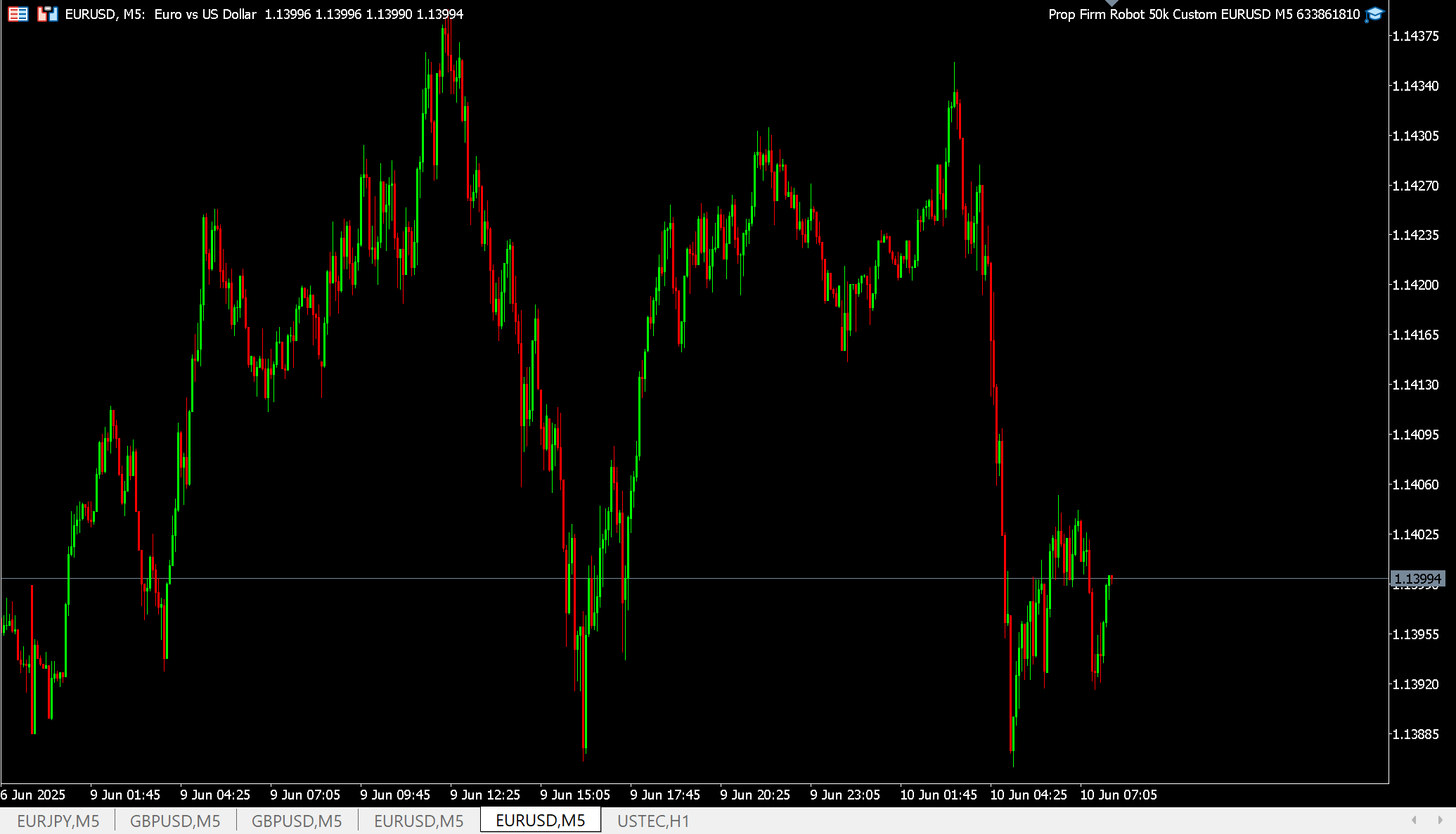
ParticipantI can not compile this EA to MT5, it shows that is attached but it is not showing its dashboard on the chart window
 June 11, 2025 at 12:17 pm #455478
W88 rubies
Participantw88rubies
June 12, 2025 at 6:05 pm #455813Tamas Tokai
MemberSame problem.
August 7, 2025 at 12:56 pm #464911Maria Docheva
ParticipantHello,
We sincerely apologize for the delay in responding to your message. Please let us know if your question is still relevant. If it is, kindly provide more details about what you see or encounter when trying to compile the robot, so we can assist you better. Looking forward to your reply.August 7, 2025 at 2:02 pm #464916Samuel Jackson
MemberHi, additionally for this issue. Are you able to show the error if you try to compile this in metaeditor please. Also showing the outputs on the expert tab would be helpful in resolving this issue too. If you are able to send the expert advisor to the academy email address also then that will help in properly resolving this.
August 22, 2025 at 5:27 pm #467517EASystem
ParticipantHigh news filter didn’t close the trade today on Friday 22th on Fed Chair Powell Speaks at 5:00PM GMT+3. The red news folder shows on forexfactory.com and investing.com. I have before and after news set to 6 minutes.
August 24, 2025 at 12:06 pm #467759Ben10power
ParticipantIs the news function capable close off trades before the red news as the setting? (eg 5 or 6 mins before)
August 26, 2025 at 11:38 am #468092MemberHi, I responded here: https://community.algotradingspace.com/forums/topic/prop-firm-eas-access-issues
August 28, 2025 at 3:17 pm #468450ParticipantOh then it renders the news function useless for PropFirms. PropFirms ask to not open and close trades around news mostly +-5 minutes. So the PropFirmApp is mostly useless right now because it doesn’t conform to PropFirm rules.
-
AuthorPosts
- You must be logged in to reply to this topic.