
Community Forums › Forums › Ready-to-use Robots › Prop Firm Robots › Prop Firm Robots: Errors and Solutions
- This topic has 782 replies, 1 voice, and was last updated 1 week, 1 day ago by
jordan6566.
-
AuthorPosts
-
January 18, 2024 at 5:03 pm #227691
Gaurav Kataria
ParticipantDear Alan,
in my 5 k acount how many assets should be traded,
Why no EUR AUD in FTMO robot app it showed it was more profitable than Eur USD Ea, and please suggest Petko dear to make the expert advisor maybe to be able to trade more actively at least Make one swing trade in one week.
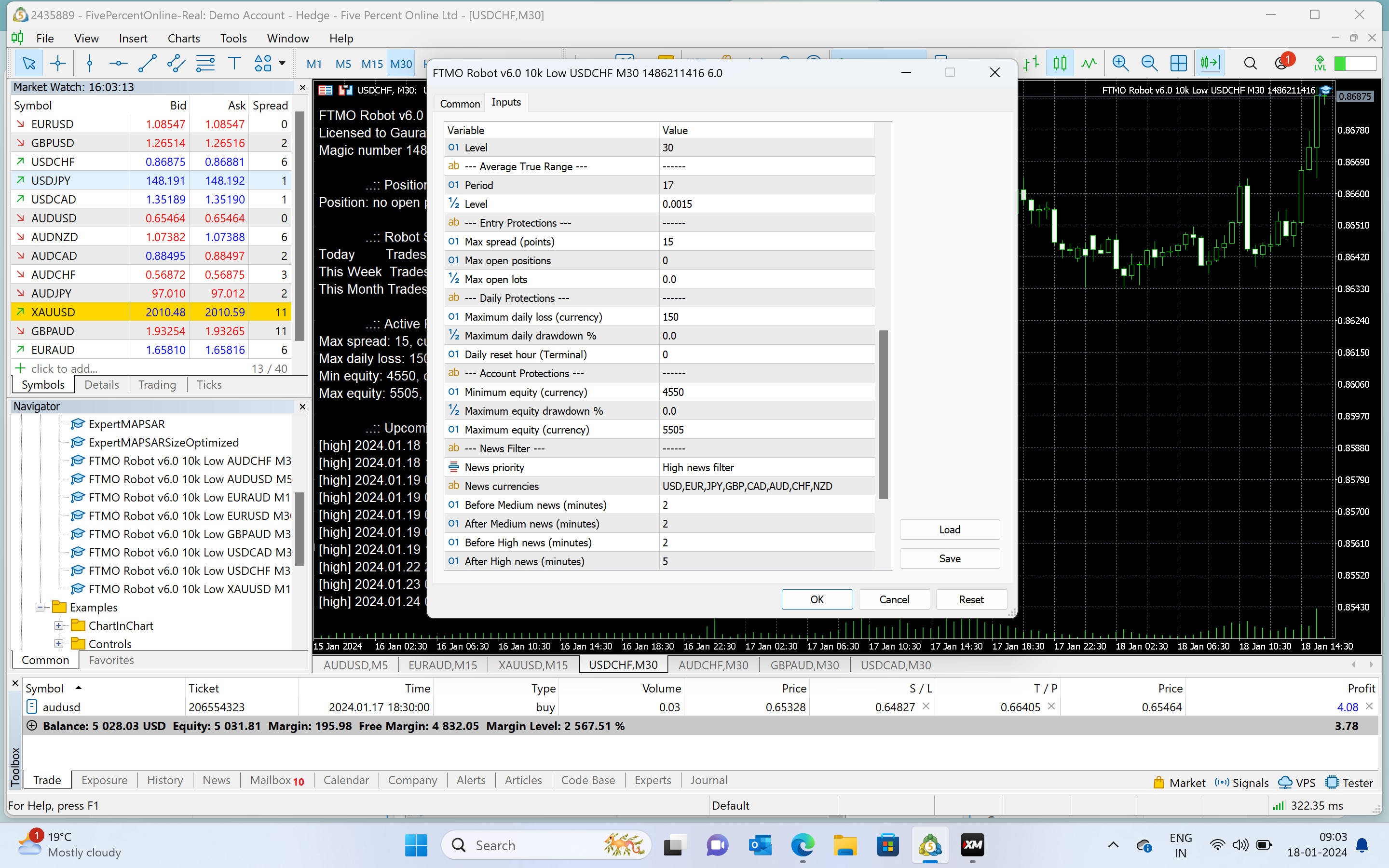
USD CHF Ea properties
much love
g
January 18, 2024 at 5:05 pm #227687ParticipantDear Alan,
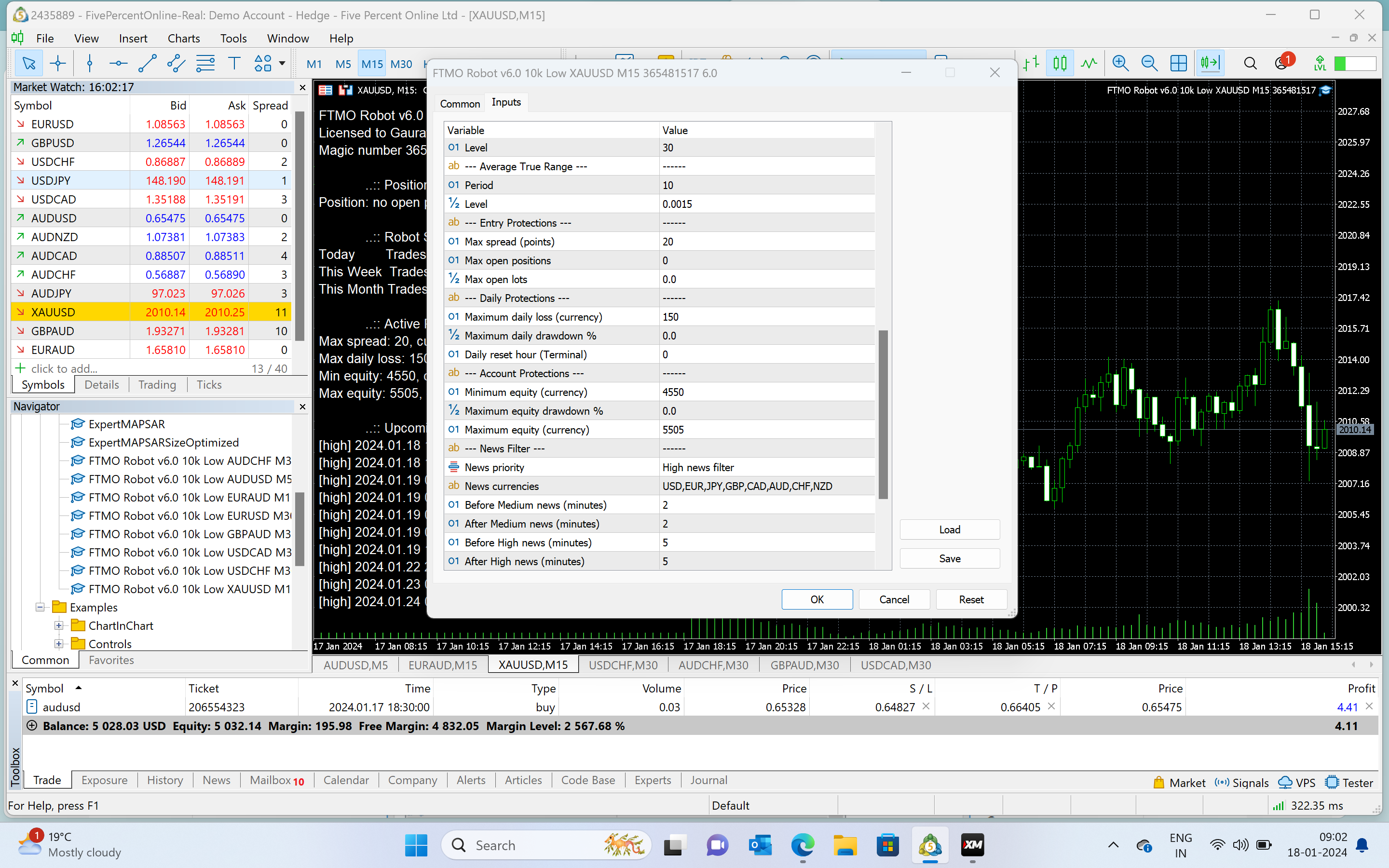
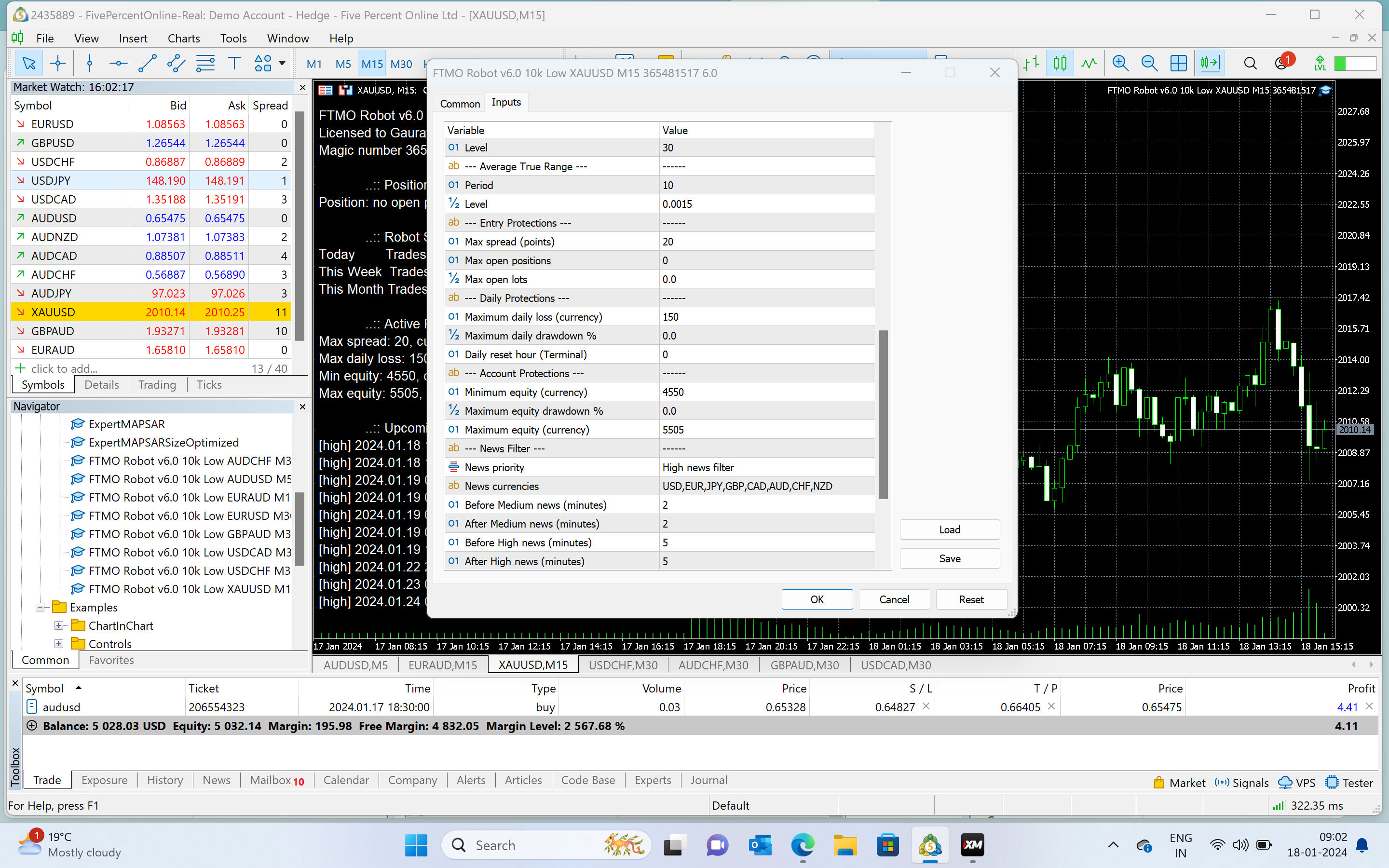
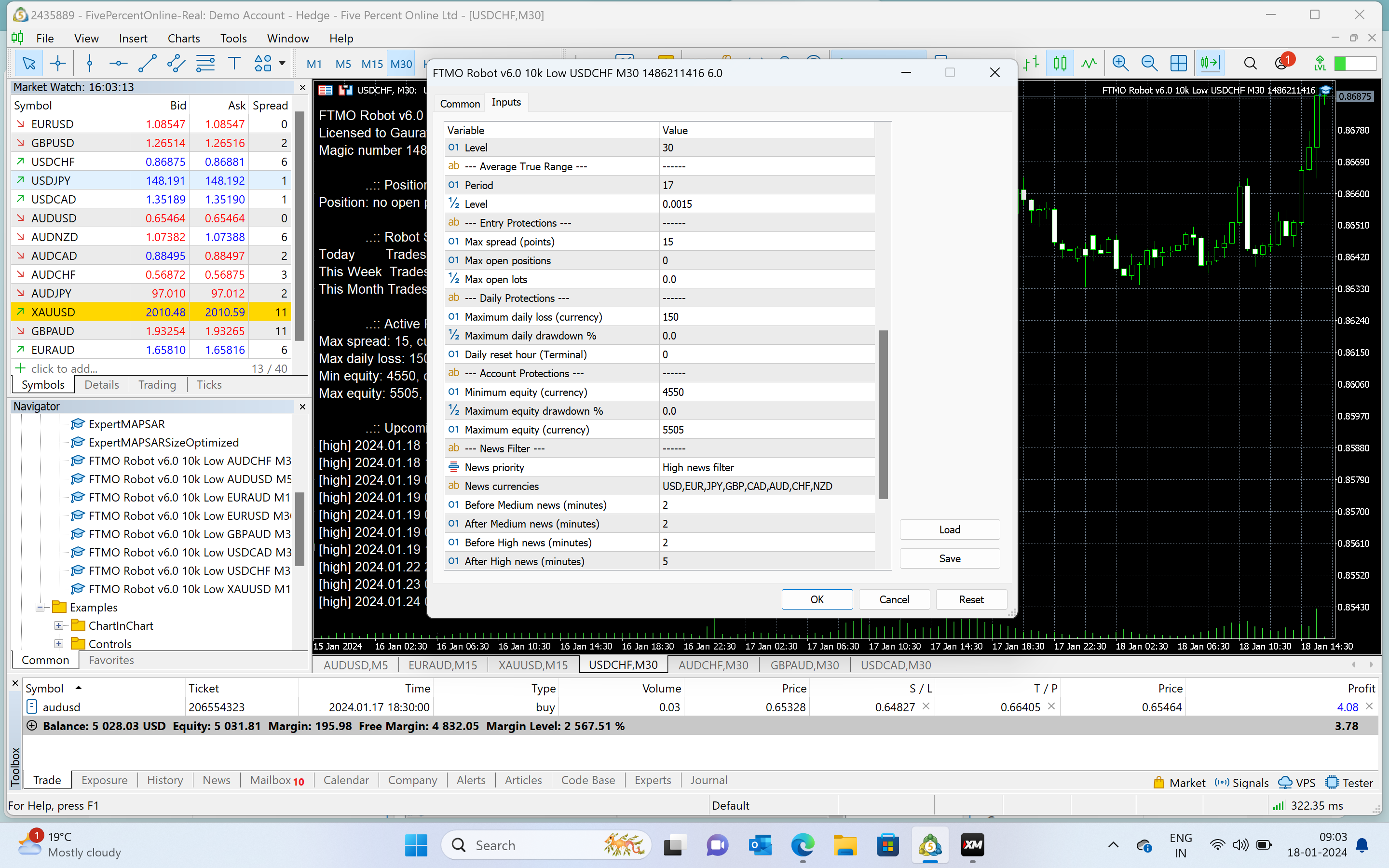
pfa look at the EA properties of XAUSUD 15, and USDCHF30 below maybe you want they should be taking trades please ask PEtko to create some magic these robots are ideal for long… in all the assets.
 January 18, 2024 at 5:05 pm #227701Participant
Did you see the properties of EAs I put all the pairs on exact settings you told me dear now still asking how to malen the other was place trade.. can unsay how many trades the EAs are taking every week
i told you since 15 January they are on dear Allan. Today is 18 Jan.. maybe you could tell me my windows computer how to keep it on forever..this goes to sleep mode maybe I tried to put screen saver off etc.. maybe my laptop is issue?
January 18, 2024 at 6:02 pm #227711Tanyeem gazi
Participantin my other pair on the other tab with a different pair it did take trade but the AUDUSD won’t take any trade
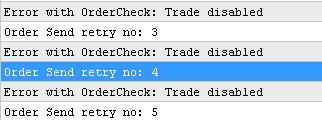 this is the error i get in the experts tab of the mt5January 19, 2024 at 8:06 am #227835Participant
Hi Dear Allan,
good morninggg London..calling
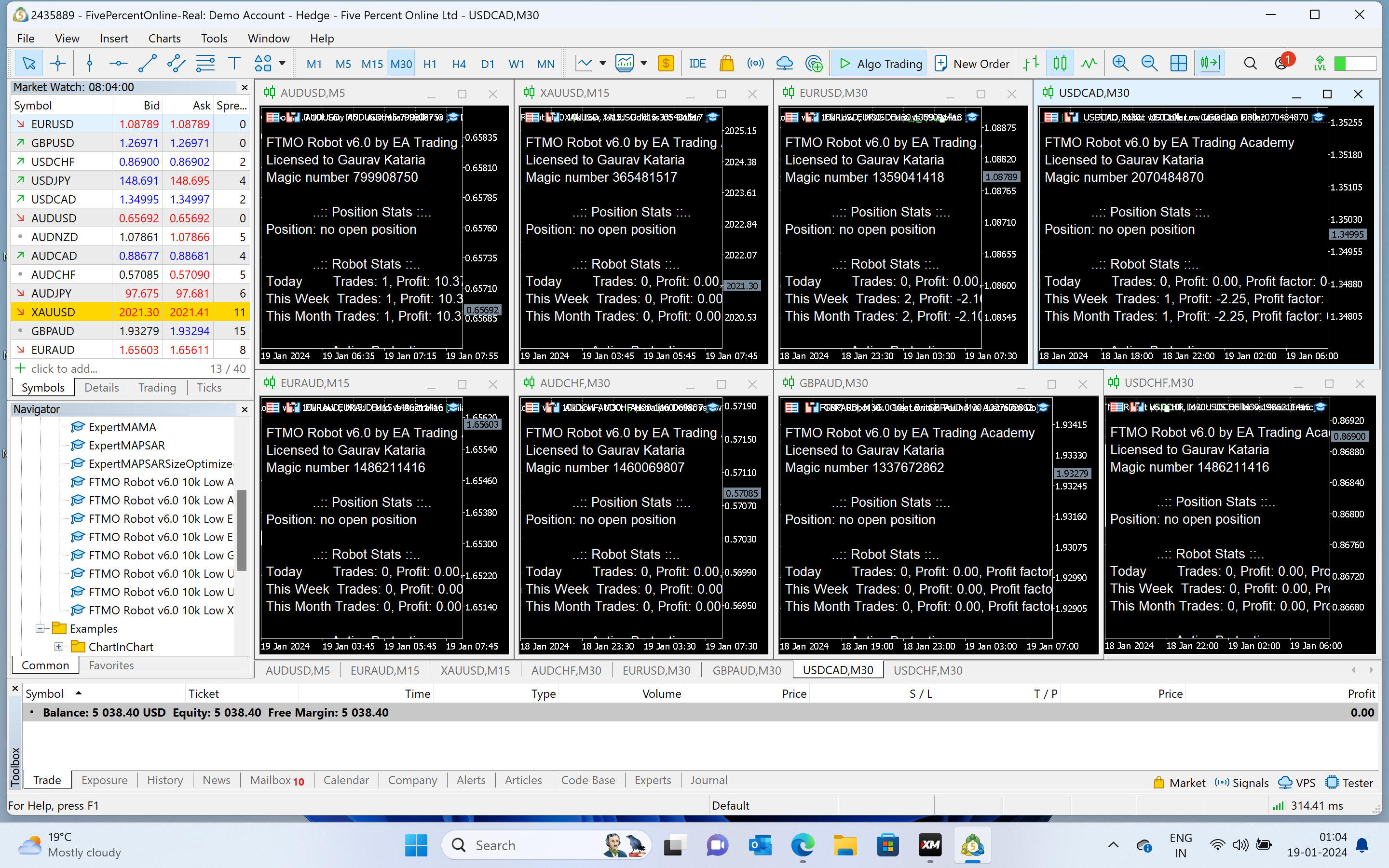
Please have a look, all robots running blue hat only one trade taken only BY AUDUSD 5 minute tf. any mistakes please feel free to point them out.. weekly one trade in such les lot zize.. what i can do.
any ideas how and when the rest will be Alive. Danke Dir
 January 19, 2024 at 9:08 am #227837
Alan Northam
ParticipantHi Gaurav,
I am using MT4 and have 6 open trades. If everything is setup correctly you should be seeing some trades starting to open.
Alan,
January 19, 2024 at 9:14 am #227839ParticipantYour right.
mt4 is good in whichaacount size ?
I think that’s the issue MINE IS mt5 in 5000 account low leverage 1:10 in bootcamp many people could not open new trades it seems mt5 is the issue…
January 19, 2024 at 10:41 am #227870ParticipantHi Gaurav,
Your account size is not the issue. I know there has been issues using the FTMO robots with MT5, however, the developer said he fixed the issue, but there could still be other issues. If you can, you might switch to MT4 and see if you have better results.
Alan,
January 19, 2024 at 10:53 am #227872ParticipantApparat to me is Mt5 is The issue because maybe it’s do with something which no one can figure out
January 22, 2024 at 9:46 am #228794Marin Stoyanov
KeymasterHey Tanyeem,
You need to enable the Algo-trading before attaching the Robot to the chart. There two “algotrading” options:
- Tools -> Options -> “Expert Advisors” tab. “Enable algorithmic trading” checkbox.
- There is an “Algo Trading” button int the middle of the MetaTrader’s toolbar. It must be on before attaching the robot.
Another possibility is the broker to suspend trading due to swap calculations. It usually happens around midnight for several minutes.
January 24, 2024 at 12:08 am #229198tekbd
ParticipantAfter upgrading to V6 i can no longer back test on TFF but i can on FTMO
Any suggestions
January 24, 2024 at 10:22 am #229282ParticipantHi tekbd,
Petko uses the FREE FTMO demo account to backtest. He will then take the best performing Expert Advisors and use them on other prop firms such as TFF.
Alan,
January 24, 2024 at 6:29 pm #229385Richard Lawrie
ParticipantGood day FTMO Robot Team
I trust you are doing well
I purchased the FTMO robot earlier today.
It has just opened it’s first positions on my 100k FTMO Demo account.
I am trialing the robot on Demo before I add it to a live account.
AUD/USD & USD/CAD opened positions today but I noticed that 2 of the same positions were opened on each of these pairs.
Is this normal or is there perhaps a setting that I need to change? My Demo account is also connected to a VPS.
Thanks in advance.
Richard Lawrie
South Africa
January 24, 2024 at 6:56 pm #229391Gilles Ruelens
ParticipantHow many tabs are open on your meta trader? (with the FTMO robot activated)
January 24, 2024 at 7:11 pm #229393ParticipantI only have 1 tab open for each pair.
I have traded EA’s in the past and have never had this problem so I assumed 2 positions were just opened on each pair due to the EA.
2 positions opened on USDCAD at the exact same price & 2 positions opened on AUDUSD at the exact same price. Just worried this is not normal and puts me at higher risk.
-
AuthorPosts
- You must be logged in to reply to this topic.