
Community Forums › Forums › Ready-to-use Robots › Prop Firm Robots › Prop Firm Robots: Errors and Solutions
- This topic has 782 replies, 1 voice, and was last updated 1 week, 1 day ago by
jordan6566.
-
AuthorPosts
-
December 15, 2023 at 6:58 pm #220890
Michael Walsh
ParticipantI did remove it, reinstalled the ea .. and it’s doing the same thing. 2 different pairs in the top corners.
What can I do it get these ea to work? It’s been 4 days and I still can’t get this ea’s to work at all.
 December 15, 2023 at 7:06 pm #220891
Thorsten G.
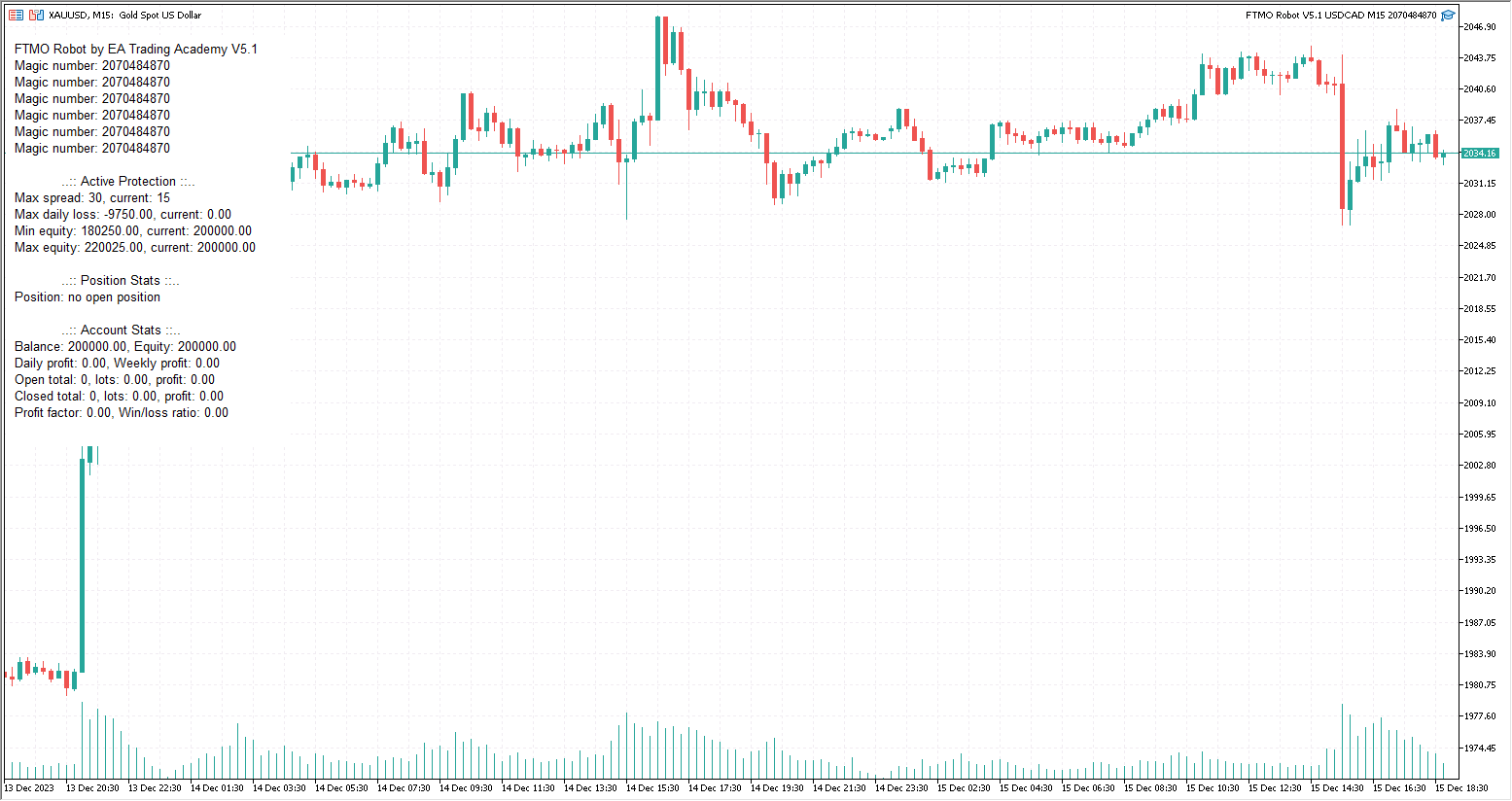
ParticipantYou have selected XAUUSD (top left) as your chart, but are using the EA of USDCAD (top right). It can’t work like that. You need to take the EA of XAUUSD and drag it onto the chart. Each EA must be used on the associated chart. You can’t mix it.
December 15, 2023 at 7:26 pm #220898ParticipantI have done that, as soon as I change pairs the top right stays the same
December 15, 2023 at 8:21 pm #220906ParticipantYou have to open a new chart for each EA and add the appropriate EA. So for the USDCAD-EA open a chart with USDCAD M15 and load the correct EA. At the end, 8 CCharts should be open with the appropriate EA.
December 15, 2023 at 8:53 pm #220912ParticipantI have made 8 EA each one is separate, that is what I don’t understand what is going on with my EA
 December 16, 2023 at 12:10 am #220930
Alan Northam
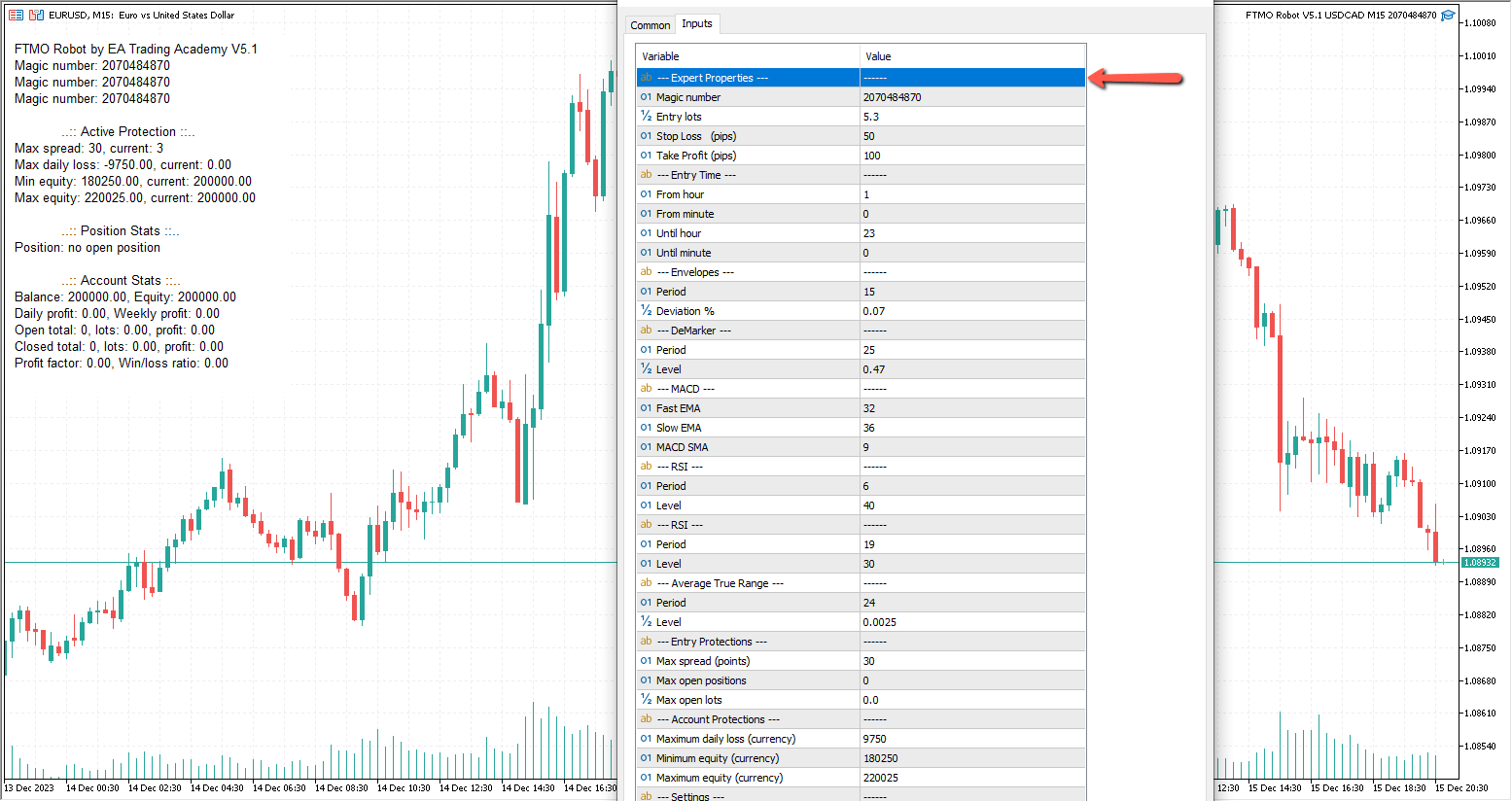
ParticipantPetko has a video on exactly how to set up and trade the FTMO V5.1 robots.
Alan,
December 18, 2023 at 7:22 pm #221357ParticipantGot It! Thanks
December 19, 2023 at 6:59 pm #221518Tanyeem gazi
Participantwhy is my ftmo robot opening hedging positions in one pair? buy and sell with the same pair at the same position?
December 20, 2023 at 6:34 am #221599ParticipantHi Tanyeem,
MT4 will use hedging if your broker allows hedging. MT5 can be setup for hedging or netting when it is installed. There is an option to select netting. You can ask your broker to switch your account to netting.
Alan,
December 22, 2023 at 8:28 am #222034JordyTr971
ParticipantIts been 1 week and none of the ea’s opened a single trade, I’m sure the ea’s are installed correctly I am testing many ea’s everyday..
no error on expert tab
What should I do ?
December 22, 2023 at 11:12 am #222054ParticipantDo you see a smiley face or a blue hat in the upper right corner of the chart? If not then check to see if the AutoTrading or AlgoTrading button is pressed. If the button is pressed and you don’t see a smiley face or a blue hat then you need to remove the EA and reinstall. Make sure the button is pressed before reinstalling the EA.
Alan,
December 22, 2023 at 12:16 pm #222073ParticipantYes, I have the blue hat
December 22, 2023 at 12:44 pm #222084ParticipantOk, so far so good!
Next, I am assuming you are referring to the FTMO v5.1 robots.
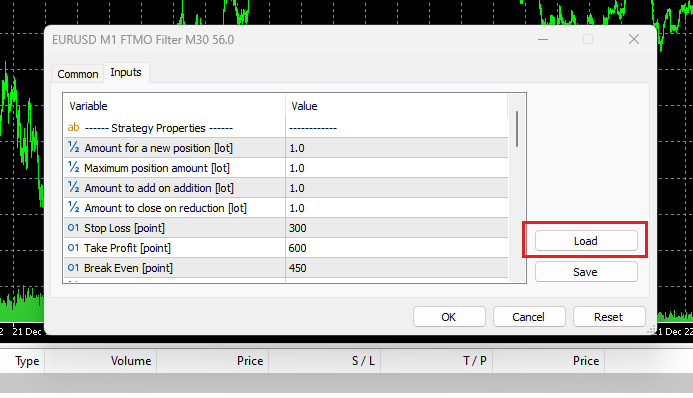
Now, did you load the proper setfiles based upon the account size into the EA using the “Load” button while installing the EA?
For example: With a 25K account the 25K setfile should be loaded.
Alan,
December 22, 2023 at 1:33 pm #222091ParticipantYes I did that too,
Only parameters that I’ve changed is “Show indicators” turned to OFF
December 22, 2023 at 1:43 pm #222092ParticipantThen I would have to say the EA’s are properly installed. I installed v5.1 two days ago on a FREE FTMO demo account and I already have one EA trade closed, with a loss, and 5 of the 8 EA’s have open trades.
Are you testing on Free FTMO demo account or FTMO Challenge?
Alan,
-
AuthorPosts
- You must be logged in to reply to this topic.