
Community Forums › Forums › Ready-to-use Robots › Prop Firm Robots › Prop Firm Robots: Errors and Solutions
- This topic has 782 replies, 1 voice, and was last updated 1 week, 1 day ago by
jordan6566.
-
AuthorPosts
-
November 26, 2023 at 7:03 pm #216210
Luce
ParticipantHello,
did you make sure you didn’t copy the “set files” instead of the actual EA files?
(that happened to)
BR Luce
November 26, 2023 at 7:22 pm #216216Alan Northam
ParticipantHi G.C.,
MT5 does not work like MT4. With MT5 you need to open the MT5 Editor by clicking in the IDE button in the MT5 tool bar. Then you need to click on one of the EAs to open it. Then you need to click on Compile. The EA will now show up in the Navigator. Now do this for each EA.
Alan,
November 26, 2023 at 11:08 pm #216267ne fv
ParticipantHow do I get the new bot?, I bought the 4.3 and now I can’t access an update
November 27, 2023 at 1:30 am #216281ParticipantContact support at [email protected]
November 27, 2023 at 4:16 am #216296Strobeman
ParticipantAll my EA’s have got the same magic number. When I change them as I did with the older versions they do not keep the new number. What should I be doing to change the numbers?
November 27, 2023 at 5:03 am #216297ParticipantTo change the magic number open the EA properties box and scroll down to the magic number to change it.
Alan,
November 27, 2023 at 2:50 pm #216393Marin Stoyanov
KeymasterHello, can someone step by step show me this
”Increase/Decrease the Envelopes Parameters , MA Period or Deviation % slightly. If you increase or decrease Deviation with 0.01, you will see different entries, exits, but similar results; the entries will be unique:”
step by step how to do this?
November 27, 2023 at 3:44 pm #216404ParticipantThe EAs are optimized for best performance with the indicator settings as is. I don’t change them!
Alan,
November 27, 2023 at 7:34 pm #216483Tanyeem gazi
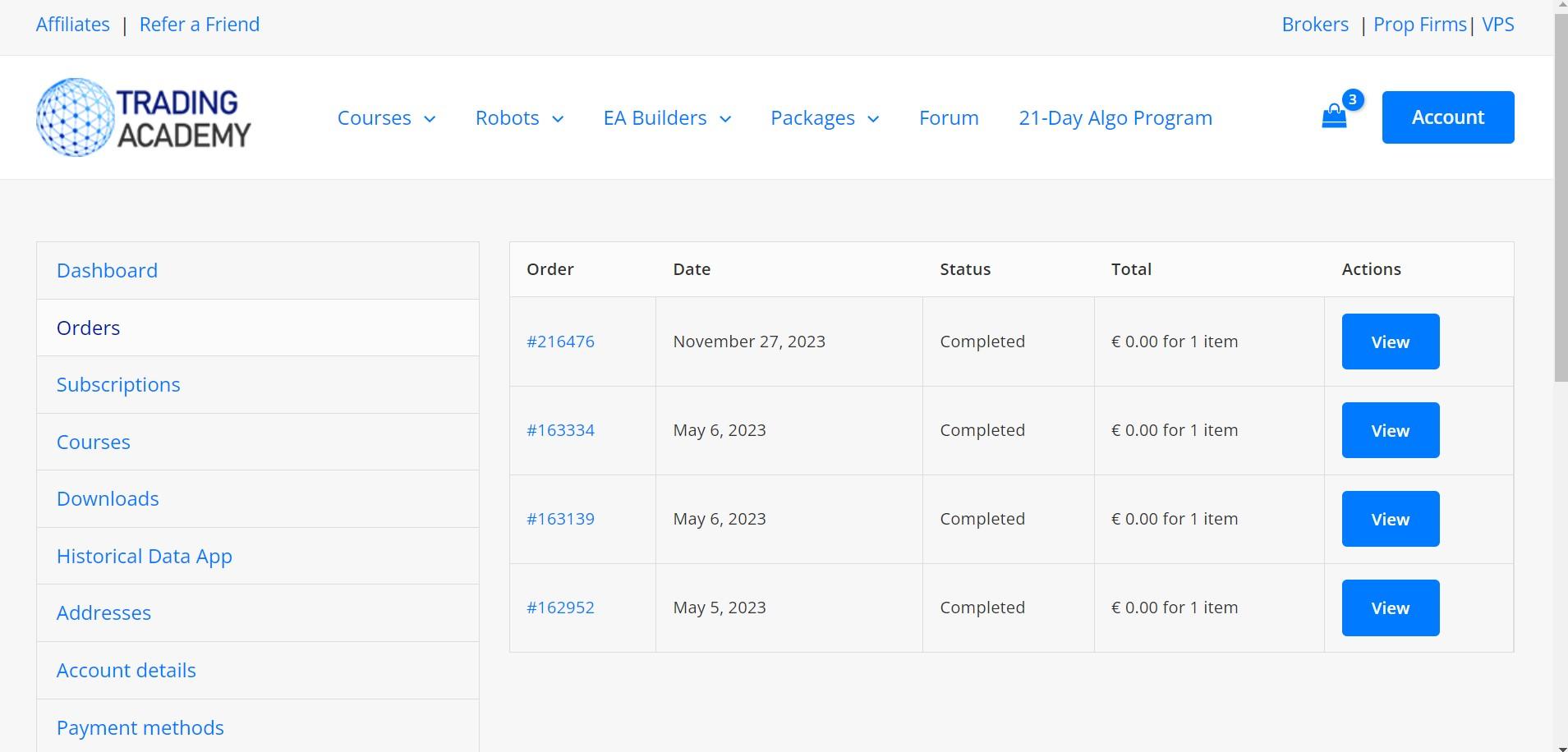
Participanthey i have purchased the ftmo robot package it was showing in my orders and also downloads but suddently it’s gone is it a bug?
November 27, 2023 at 7:58 pm #216488kcy001
ParticipantBut if you dont change them, how do u make the trades unique ? if its not unique how does prop allows these to work? they would be rejecting/ban acc if everyones entry is same using same parameters of default settings.
November 27, 2023 at 8:23 pm #216492KeymasterExactly what I thought, instructions say so but not very clear exactly how to do this but I know this is important …?… @Petko
November 27, 2023 at 8:45 pm #216496ParticipantAs long as there are less than 2000 identical orders placed per day there is no problem. Even if there are more than 2000 identical orders placed per day they will email you and ask you to make a change. If you insist on making your trade unique change the lot size slightly instead of the indicator settings.
Note: I use the standard settings and have never had an issue with it.
Alan,
November 27, 2023 at 8:51 pm #216498ParticipantContact [email protected]
Alan,
November 28, 2023 at 10:06 am #216600KeymasterHello Tanyeem, we replied to your email already but I’ll write this here to be helpful for any other user with a similar issue. In the order confirmation email you receive a link and password to download the EAs. You can also find this info in the Orders tab of your Account.
November 28, 2023 at 6:04 pm #216713Participantsee it’s gone
-
AuthorPosts
- You must be logged in to reply to this topic.