Prop Firm Robots: Errors and Solutions

Community Forums Forums Ready-to-use Robots Prop Firm Robots Prop Firm Robots: Errors and Solutions

Viewing 15 posts - 166 through 180 (of 783 total)
  • Author
    Posts
  • #212420
    Wouter van Wyk
    Participant

    Hi there,

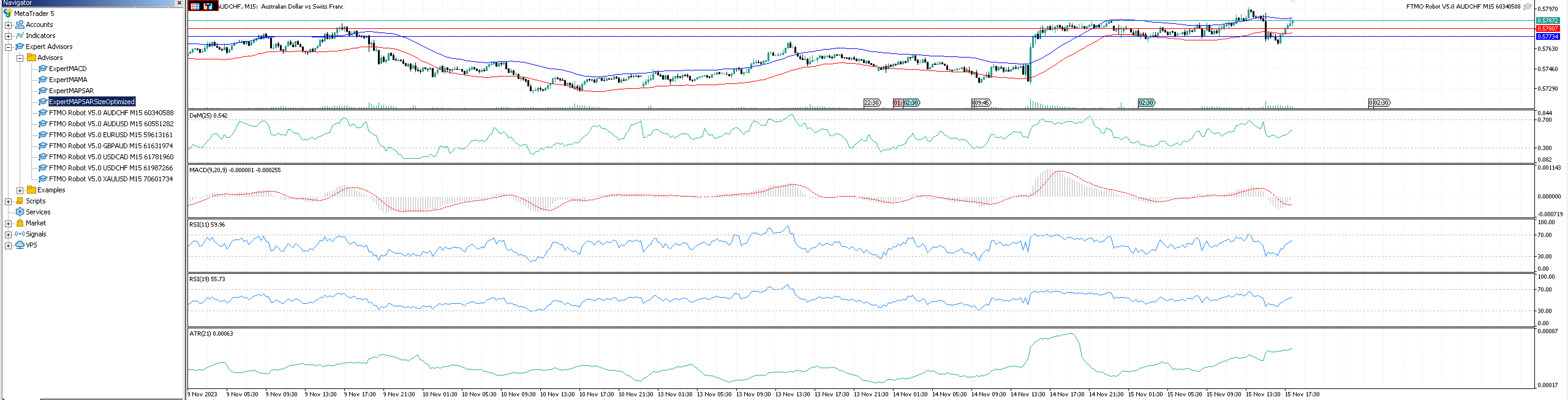
    Anyone that help with a walk-thru or guide on installing the EA correctly, smiley face showing but no trades, have no idea where to start to search for the problem……


    Thank you your support herewith will highly appreciated.

    #212559
    Ernst van zyl
    Participant

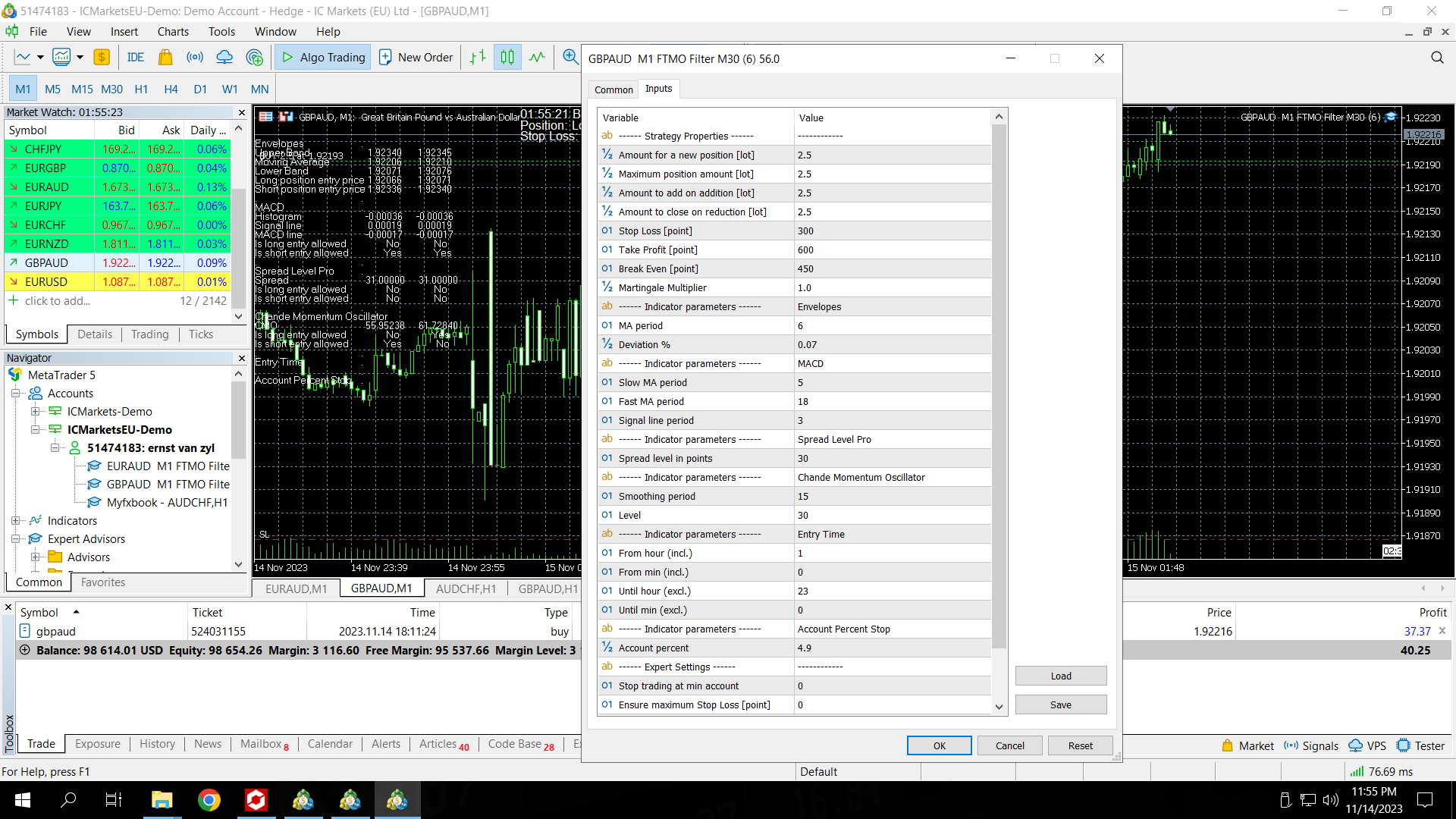
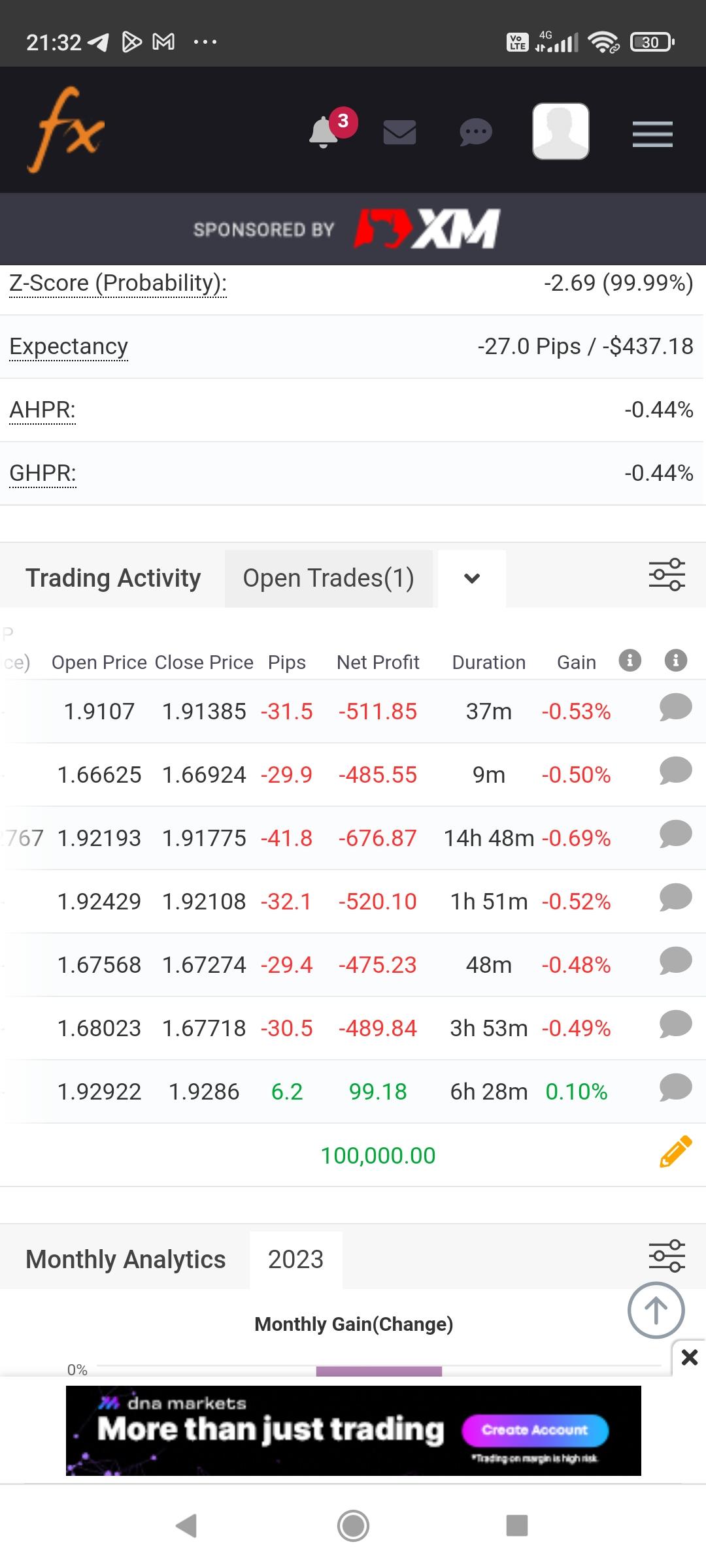
    Please help I have noticed the from EA closed a trade at 6 pips in profit i thought it was supposed to close at 60 settings is right yet both lossing trade was closed right at 30 pips??

    #212574
    Alan Northam
    Participant

    Please provide a screenshot of the EA properties box so I can check the settings.

    Alan,

    #212605
    Ernst van zyl
    Participant

    HERE IS THE CHART

    #212632
    0xBitpool
    Participant

    Did it open a reverse trade just after?

    #212666
    Nicholas Grobler
    Participant

    Hello All

    I want to just double check, the MT4 and MT5 EA’s are exactly the same right? Even though I am running my FTMO screening test on MT5 I can use the best pair on MT4 with the MT4 EA?

    Also, how long do we run the FTMO test phase for ideally? I have seen a few different mentions, like a week, 2 weeks, before we take the best one and enable it on our live account.

    Lastly, what is the best approach, from experienced users that has passed their evaluations, do I use just the one best EA with set lot size, or do I use the top 2 or top 3 with split lot sizes?

    Thanks!

    #212740
    Ernst van zyl
    Participant

    Yes it did

    #212744
    Alan Northam
    Participant

    The trend changed and so the position was closed and a new position in the opposite direction was started.

    Alan,

    #213048
    vsynohach
    Participant

    I already install my robot, but how I can use?

    #213069
    Petko Aleksandrov
    Participant

    Hey mate,

    I can bet you it’s not from the Robot 🙂 It is from the Mac or the Broker. Which broker or Prop Firm did you use?

    #213085
    Alan Northam
    Participant

    You need to remove the robot from the chart. Then click the Algo Trading button in the tool bar so it turns green. Next reinstall the robot on the M15 chart. Now it should be turned on!

    Alan,

    #213157
    Ernst van zyl
    Participant

    That is how it is doing picked the top 2 ea.s because they both had the exact same win rate this is how to looking now the EA isnt doing well at all and if you backtest you can see not very promising

    #213334
    vsynohach
    Participant

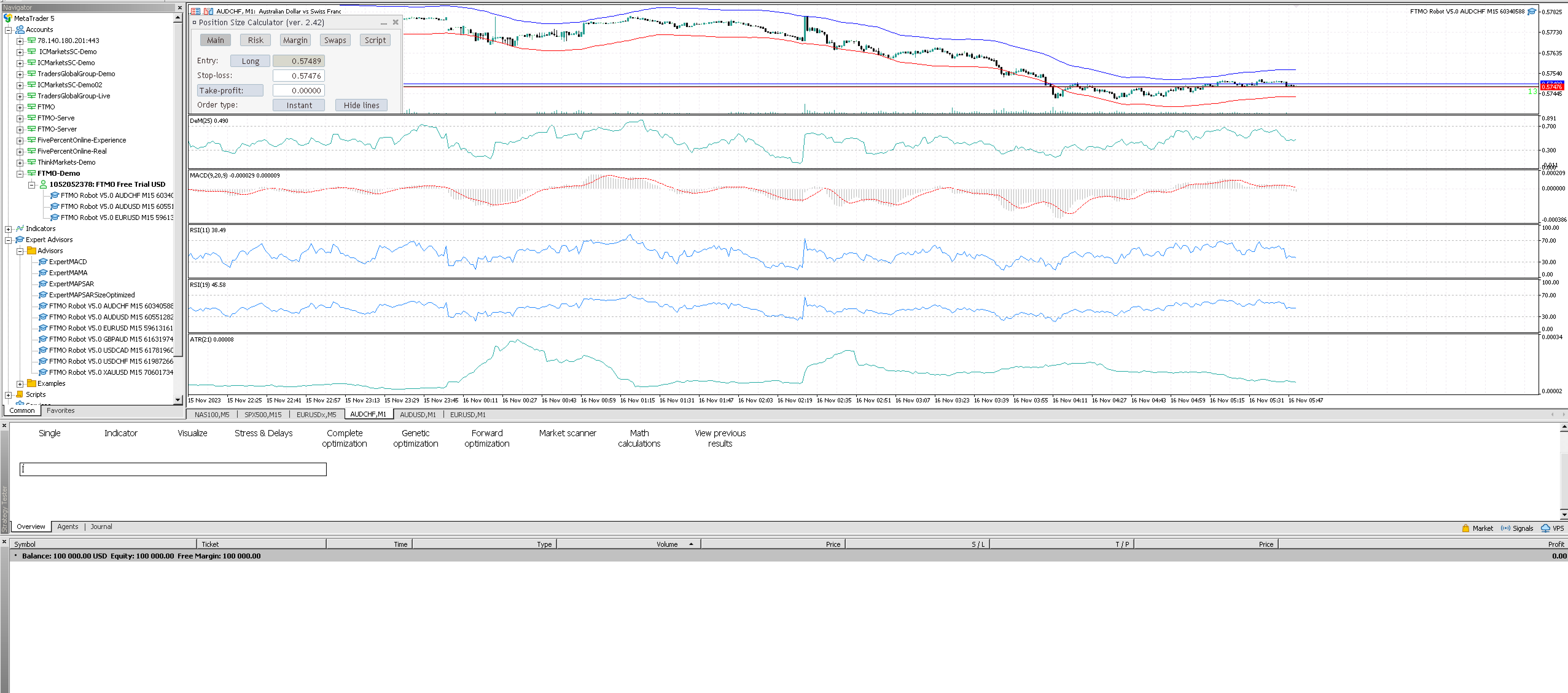
    Hi, I’m reinstall, but how I check, because 0 position.

    #213338
    vsynohach
    Participant

    2 Days without postition, It’s normal?

    #213339
    Alan Northam
    Participant

    It is now working!  Now just be patient and wait for a new trade.

    Alan,

Viewing 15 posts - 166 through 180 (of 783 total)
  • You must be logged in to reply to this topic.
Scroll to Top