
Community Forums › Forums › Ready-to-use Robots › Prop Firm Robots › FTMO Robot: V4.3: What’s new?
Tagged: Back test FTMO robot, FTMO Robot, ftmo robot v4.0, ftmo robot v4.1, ftmo robot v4.2, ftmo robot v4.3, manually close transaction, Petko, Questions with prop firms
- This topic has 282 replies, 65 voices, and was last updated 2 years, 2 months ago by
Sammy Trader.
-
AuthorPosts
-
September 19, 2023 at 8:38 am #199589
Yarin Or
MemberHey Petko,
where is the trailing stop value?
it seems like Account Percent Stop replaced it.
Thanks a lotSeptember 19, 2023 at 8:41 am #199706Petko Aleksandrov
ParticipantYes, I replaced the Trailing Stop with the Account Percent Stop for 2 reasons:
1. The Trailing Stop did not give any significant difference on the backtest and during live tests (same results with or without it)
2. The Account Percent Stop is important for people who can’t manage the lots well and they might lose their accounts if they place huge lot size by mistake.
So if something isn’t really improving the strategy I prefer to remove it. This way the code of the EA is shorter and the backtest would run faster.
September 19, 2023 at 4:12 pm #199800Alan Northam
ParticipantI cannot get them to work in MetaTrader Strategy Tester either. The only way I can backtest them is to do it in FSBpro. The MetaTrader Strategy Tester is not the best backtester. The backtester in FSBpro is world class! To test these robots it is recommended to do so in a demo account.
September 19, 2023 at 7:56 pm #199828Lee Wagstaff
ParticipantThats a real shame as it does cost a fair bit for fsbpro at the moment, Ive been really enjoying these bots just not sure why meta strat tester isnt working as the v4.1 was fine
September 19, 2023 at 8:36 pm #199832GIUSEPPE SANGIORGIO
ParticipantHi Petko, is it possible to insert a fixed percentage instead of fixed lots?
Example that for each trade you risk 1% of the capitalSeptember 19, 2023 at 8:39 pm #199835ParticipantThe EAs/Robots use fixed lots only.
September 20, 2023 at 11:08 am #199959Richard Zurmühle
ParticipantOk now it works, I started the test incorrectly, now the test is loading the data, thanks!
September 21, 2023 at 5:51 pm #200278ParticipantWe use fixed lots only because it’s much easier to compare the results when we trade more than 1 EA in the account.
September 26, 2023 at 5:28 pm #201349The Investor
ParticipantHi guys,
I can’t seem to do backtests with the robots.
– I believe to have loaded enough data on my charts (using the home key)
– All settings should allow me to do a backtestI’ll include screenshots, can anyone spot a mistake in my setup?
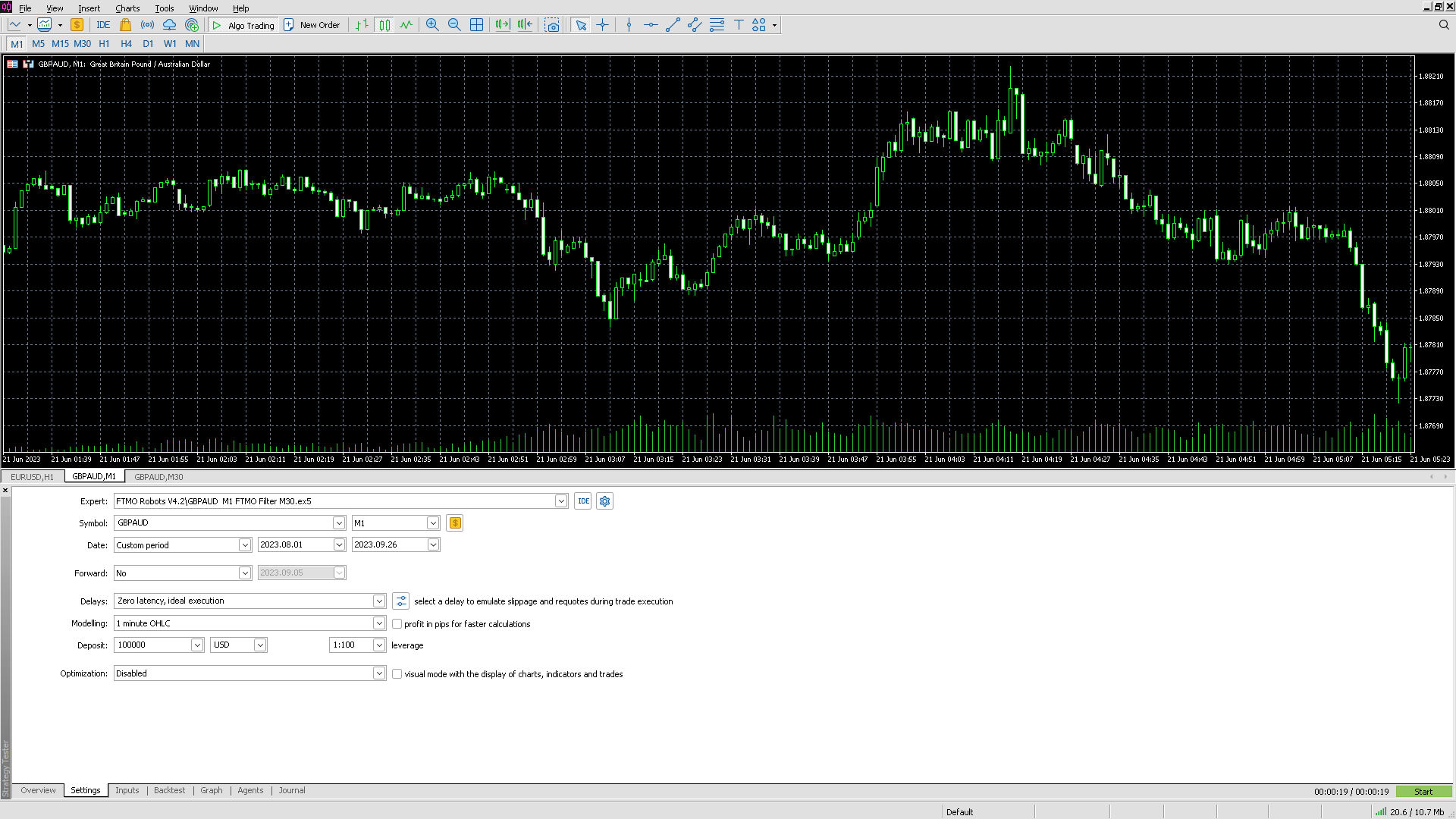
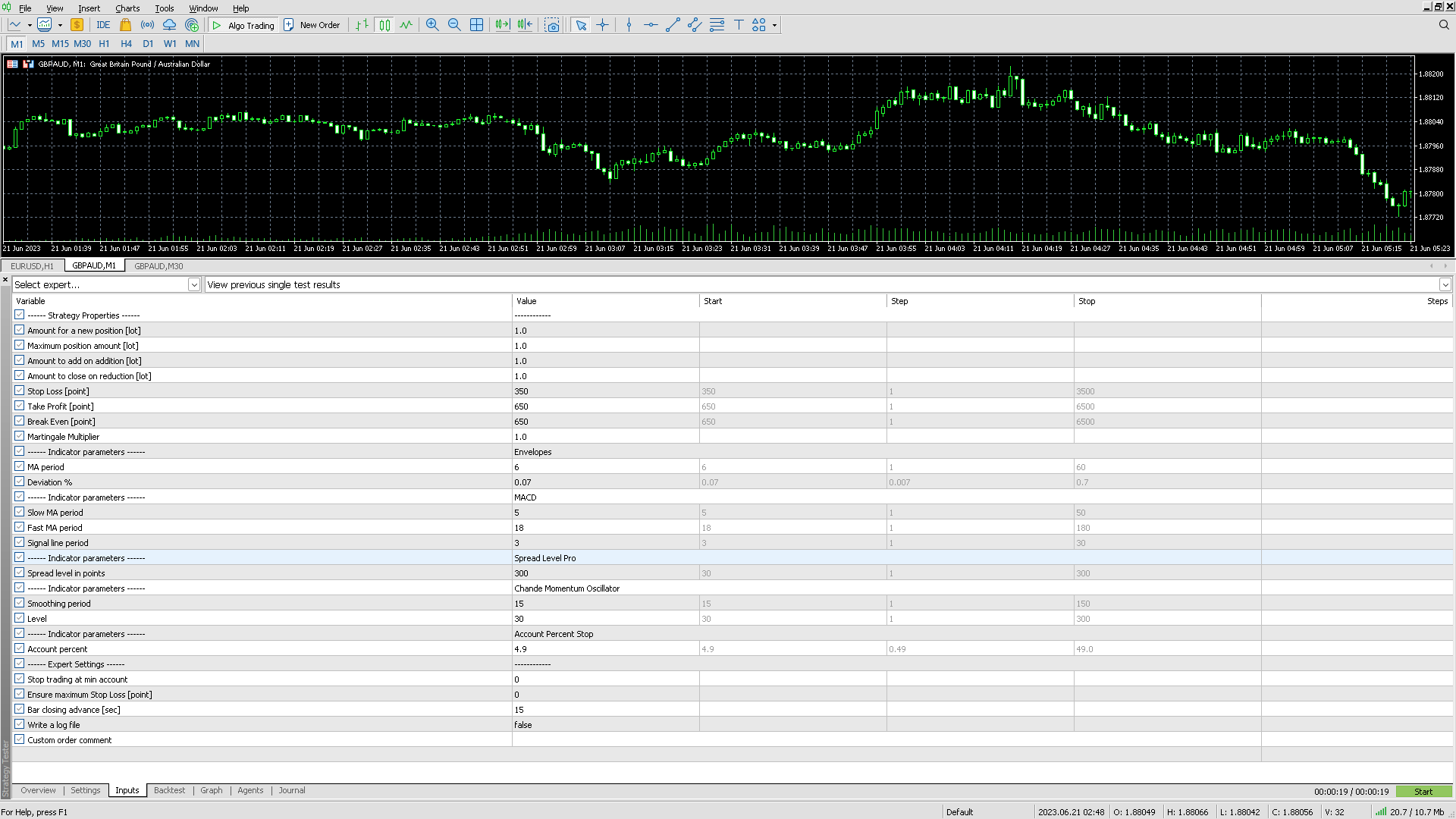
Thanks in advance
September 26, 2023 at 5:39 pm #201362ParticipantDoes M1 historical data go back to Oct 1, 2023?
Also start with smaller lot size such as 0.3, and 0.3.
Also I must advise that MetaTrader does not do a good job with backtesting! The creator of FSBpro recognized this years ago and decided to develop a much better backtester. FSBpro and EA Studio are the best backtesters available!
September 26, 2023 at 8:00 pm #201352ParticipantHi guys,
I can’t seem to do backtests with the robots.
– I believe to have loaded enough data on my charts (using the home key)
– All settings should allow me to do a backtestI’ll include screenshots, can anyone spot a mistake in my setup?
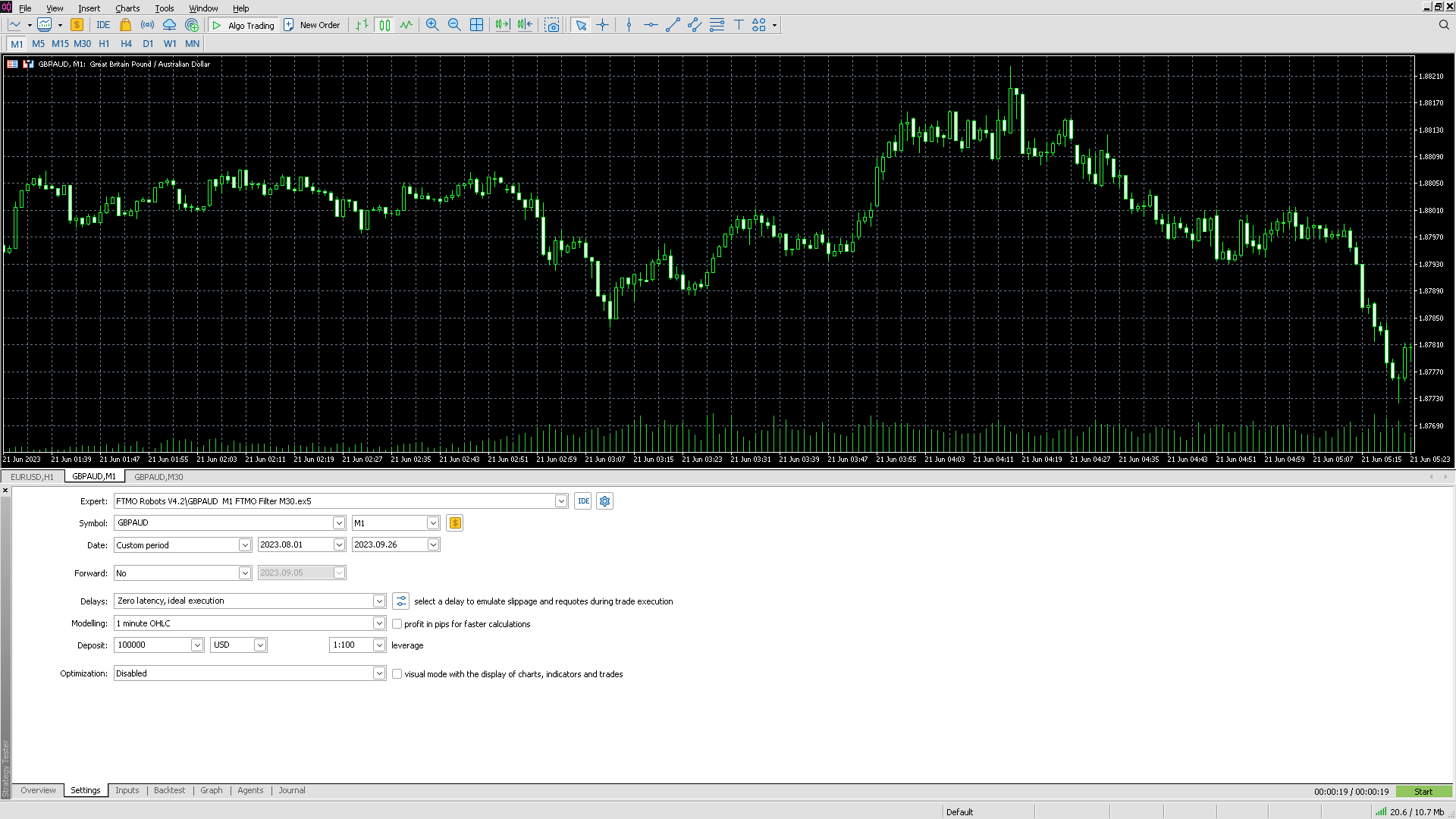
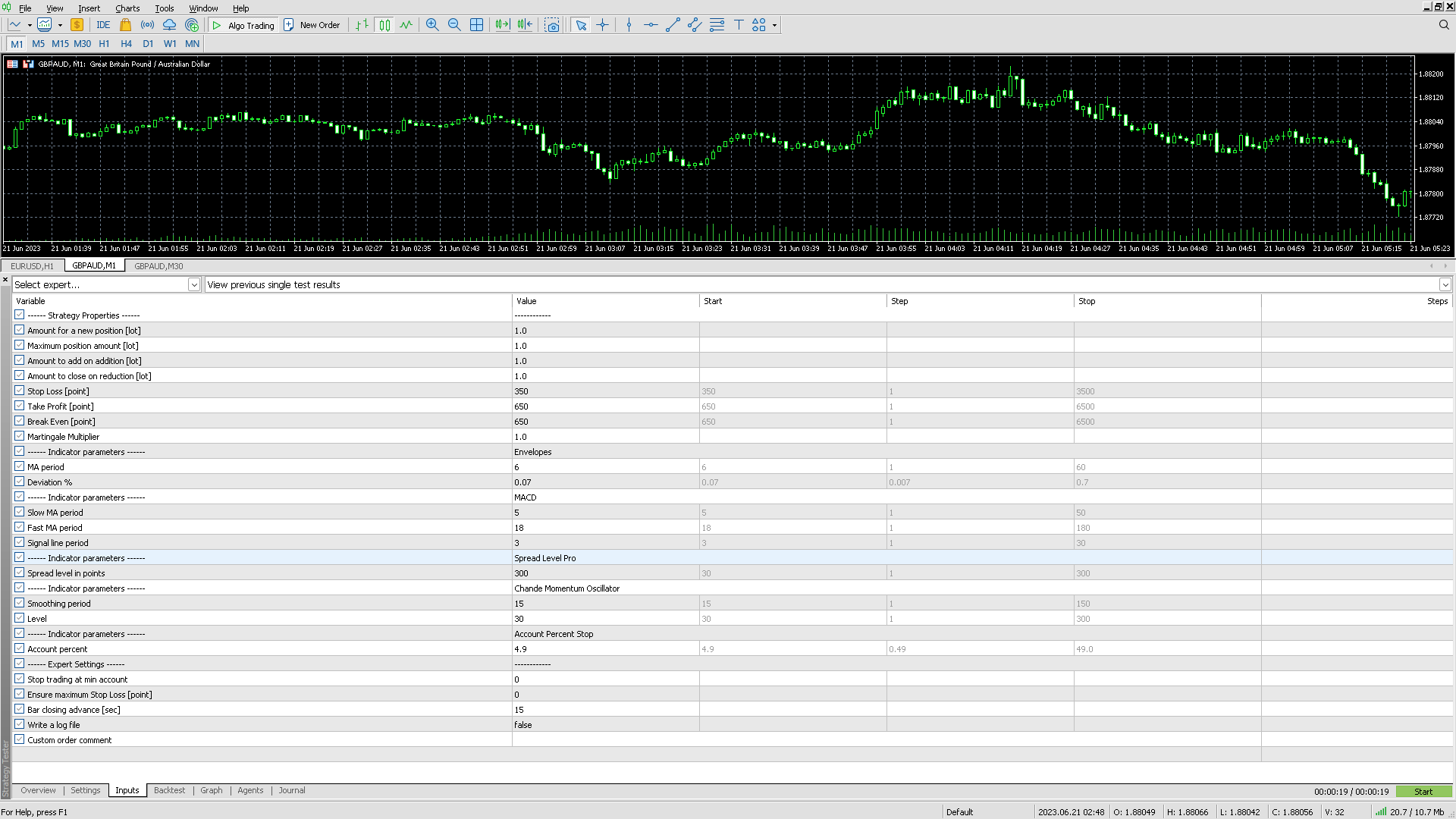
Thanks in advance
September 26, 2023 at 9:38 pm #201448KazGwada
ParticipantHello
I ve just install FTMO bot in document, page Loading Bars I didnt Really understand what is the goal
Do I have to launch EAs on 1M or 30M chart?
Dont have HOME button ?
September 26, 2023 at 10:15 pm #201463ParticipantInstall EAs on M1 chart. For Home button use the Windows On-Screen keyboard.
September 27, 2023 at 10:46 am #201578Aleksander Kahriman
ParticipantHi,
I just buy FTMO Robot and I installed on demo Account at AAFX Broker and also Live Account at Eightcup Broker
Robot opened AUDNZD on live Account but not on demo.
Why this happens?
Thank you
Alex
September 27, 2023 at 1:47 pm #201615ParticipantMake sure Demo account has sufficient historical data and lot size is not too large for demo account size. If lot size is too large for Free margin it will not take any trades. Look at Experts tab at bottom of chart window to make sure there are no errors. Make sure the EA is active by looking at the icon in the upper right corner of chart window. Make sure demo account broker allows trading with EA’s. Make sure EA is attached to the right chart and period. Make sure AutoTrade or AlgoTrade button is active. Make sure you installed EA after pressing AutoTrade or AlgoTrade button. If all these things are correct the EA should start trading.
-
AuthorPosts
- You must be logged in to reply to this topic.