
Community Forums › Forums › 21 Day Program › EA Studios Related Questions
Tagged: Coin Cloud ATM, Coin Cloud ATM Near Me
- This topic has 21 replies, 8 voices, and was last updated 2 years ago by
Isaac Tochukwu Charles.
-
AuthorPosts
-
November 12, 2023 at 3:59 pm #211705
Bkennedy74
Participant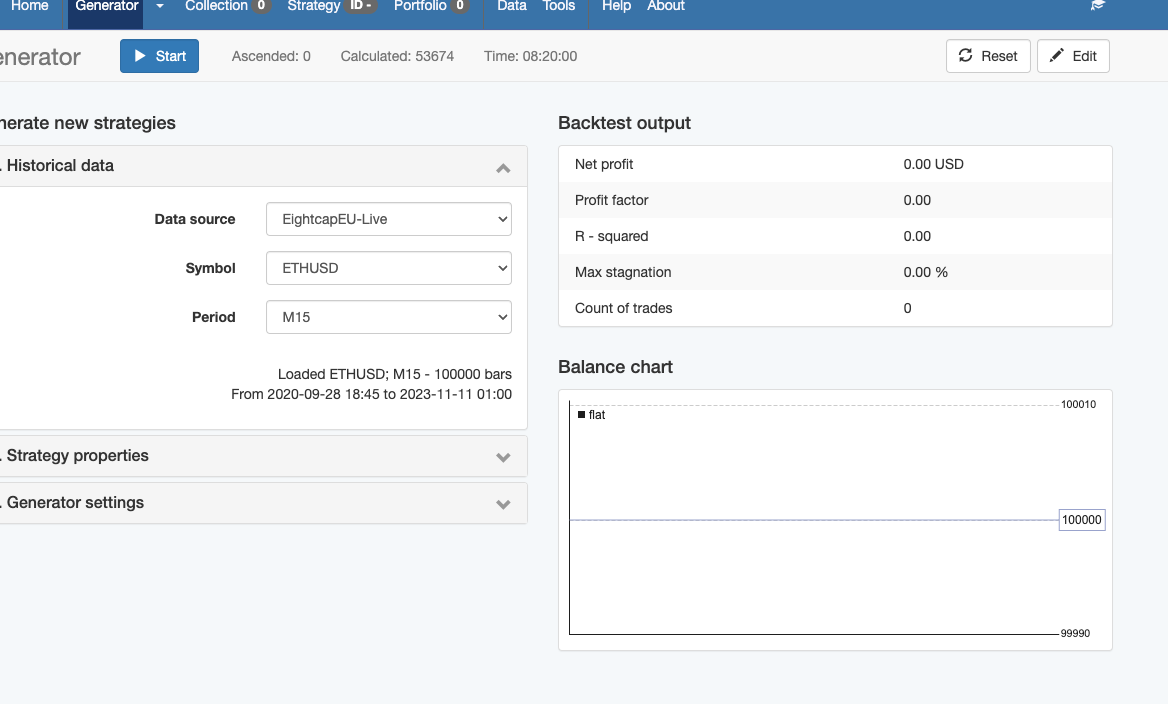
Didn’t help. Please see screenshot.
You can see the calculated was 53674. The time ran was 8hours 20 minutes. Not 1 collection
I used data that I exported per the course.
Also, looking around I saw that the ea trading academy is like an affiliate of this site?
https://www.forexrobotacademy.com/expert-advisor-generator/
This site is exactly the same here. So what’s going on?
November 12, 2023 at 4:00 pm #211862Alan Northam
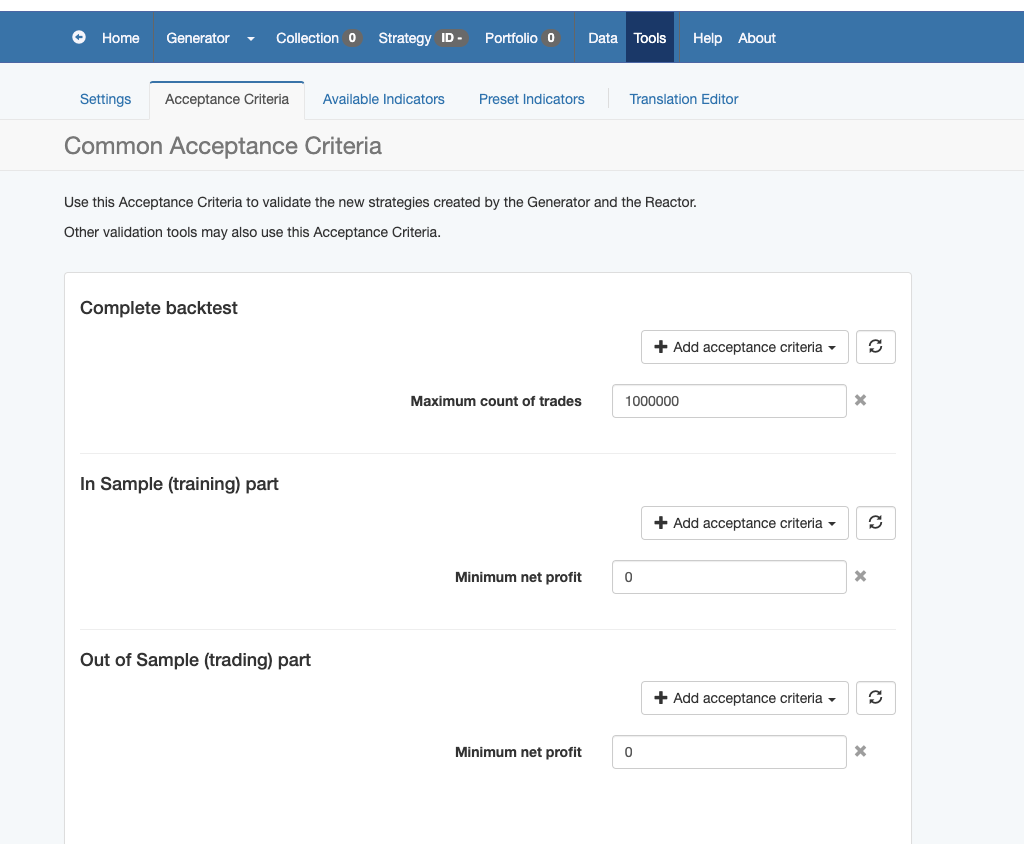
ParticipantChange Max Count of Trades to Min Profit Factor = 1.2 and start there to see if it will now start collecting strategies.
Make sure EA Studio is running in a separate Chrome web browser and not just in one of the tabs. As soon as you change tabs EA Studio will stop collecting strategies but the timer will keep on running. So take the tab you have EA Studio running in and grab it with your mouse and pull it out of the existing chrome browser and into its own browser and do not minimize it. You can run other chrome browsers on top of it. This may be what your problem has been all along.
EA Studio was developed by Popov at forexsb.com. Both forexrobotacademy and eatradingacademy have been approved by Popov to offer EA Studio on their websites.
Alan,
November 12, 2023 at 11:29 pm #212051Participantok will try those
January 9, 2024 at 3:02 pm #225829Melvin05
Participanthi if i opened multiple tabs to generate the EAs. how do i combine all of them once I am done? Its becoming very frustrating for me, I finished generatring for 4 hours and when I close the tabs to centralise all the collections, I lose all the EAs in the other tabs.
Additional questions if i add some of the EAs to portfolio but I want to move it back to the collections tab, when i upload it, i lose all my other EAs. how does it work??
I have lost an entire day of generation due to these issues. Can someone assist me?
February 26, 2024 at 12:52 pm #237939Isaac Tochukwu Charles
ParticipantHello,
I am having challenges running an EA I have Generated from Studio after Backtesting and Optimization shows good results, though with few Trades. Trying to ForwardTest on Demo, but it’s showing turned off, please how can I fix this to start Trading?
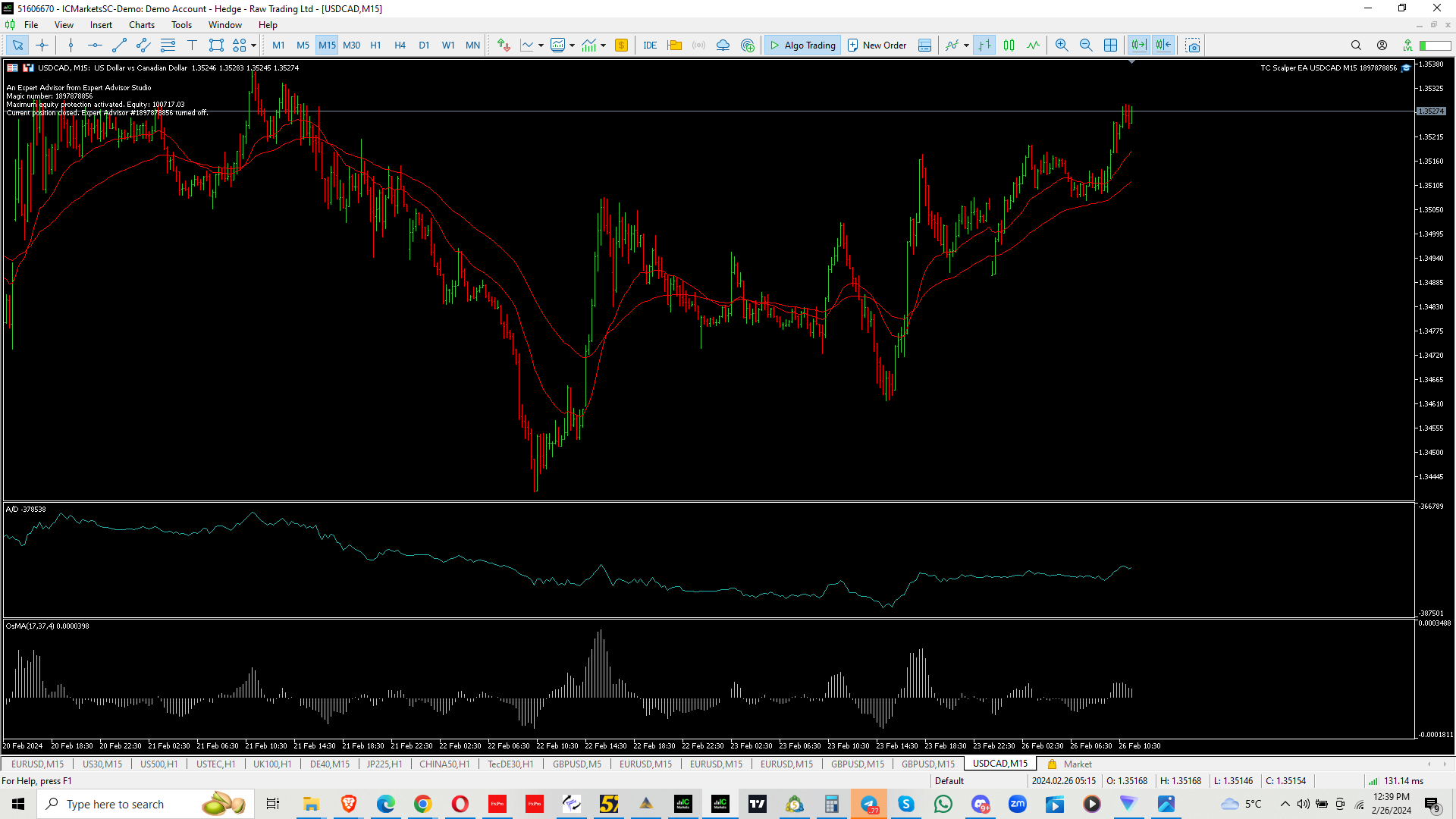
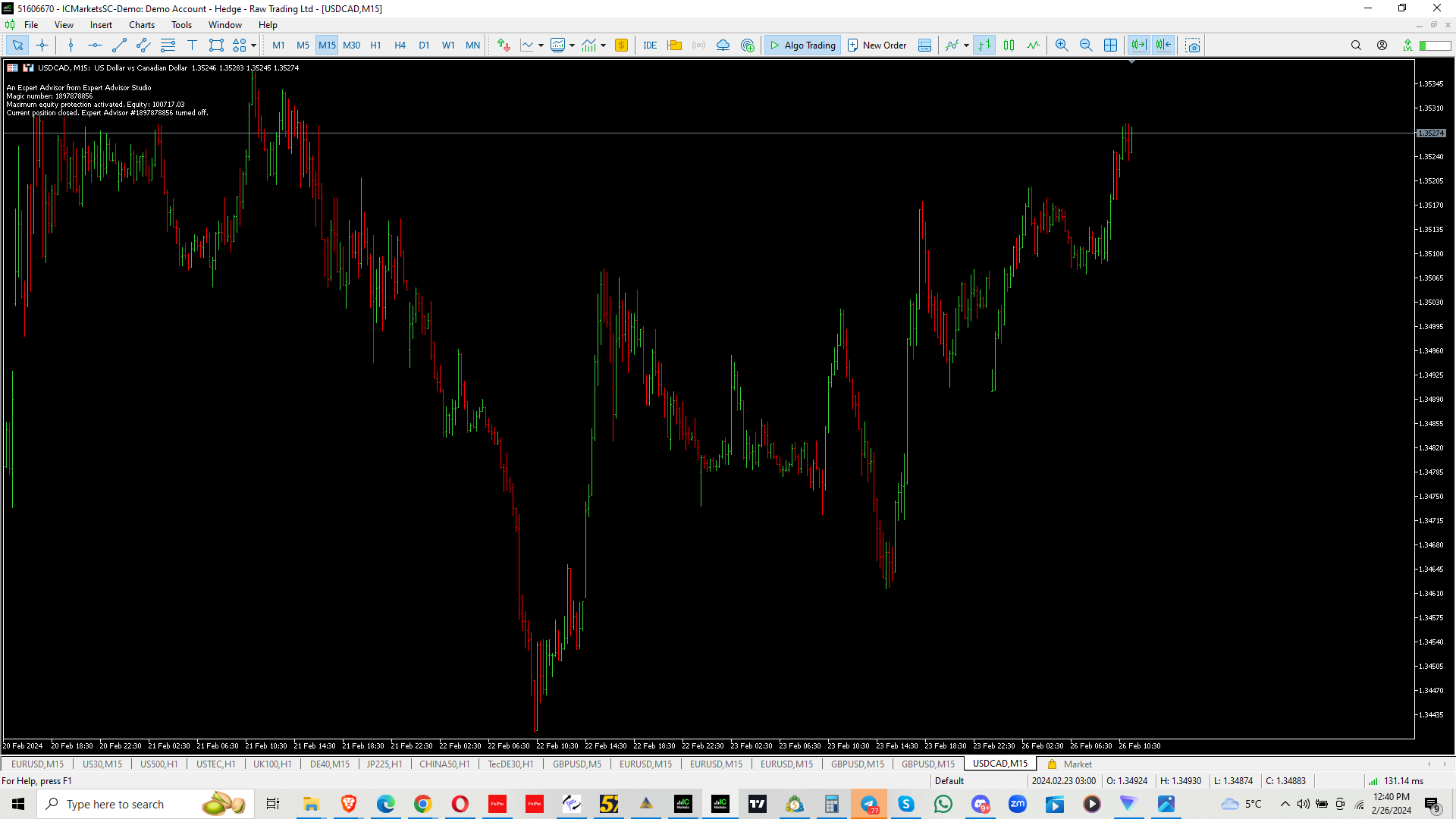
The Indicators are removed in a few seconds.
February 26, 2024 at 1:05 pm #237957ParticipantHi Issac,
The answer to the problem in in the comments at the top left corner of the chart. It says “Maximum equity protection activated”. This occurs when the EA has hit its price target to pass the challenge and it stops trading. To allow the Expert Advisor to continue to trade there are two things you can do. 1. In the Expert Advisors properties box you can scroll down to where it says “Maximum Equity (currency)” and set the value to a higher level. This will allow the Expert Advisor to continue trading up to the higher level where it will stop trading again, or 2. Set the “Maximum Equity (currency)” value to zero which will disable this function which will allow the Expert Advisor to continue trading without disruption.
Alan,
February 26, 2024 at 1:58 pm #237974ParticipantThanks, Alen.
Done that and it worked.
-
AuthorPosts
- You must be logged in to reply to this topic.