
Community Forums › Forums › EA Studio › EA Studio on Chrome is pausing when another screen is maximised
- This topic has 21 replies, 9 voices, and was last updated 5 years, 2 months ago by
Asser.
-
AuthorPosts
-
November 24, 2020 at 1:41 pm #67256
Asser
MemberI use Firefox with up to 20 windows opened at the same time with almost no problems. I suspect EA Studio runs better if the windows are opened separately in stead of one windows with multiple tabs – but I’m not sure. I prefer to open them side by side but stacked worked OK too. I have a very large screen.
November 25, 2020 at 6:14 am #67415richard
ParticipantYes. Getting sick of chrome / microsoft BS so will go to firefox as well……
November 27, 2020 at 6:40 am #67628Jay-r Yuzon
MemberHi guys. I also have similar problems with chrome and edge. And I also did try out firefox which actually took care of the problem. However, for those that still opt to use Chrome for whatever reason, I may have a solution for you. Do note that I only generate 2 algos at one time, thus, I only use 2 separate browsers simultaneously. Consequently, the remedy that I found may not be suitable for others who make algos beyond the number I’ve earlier mentioned.
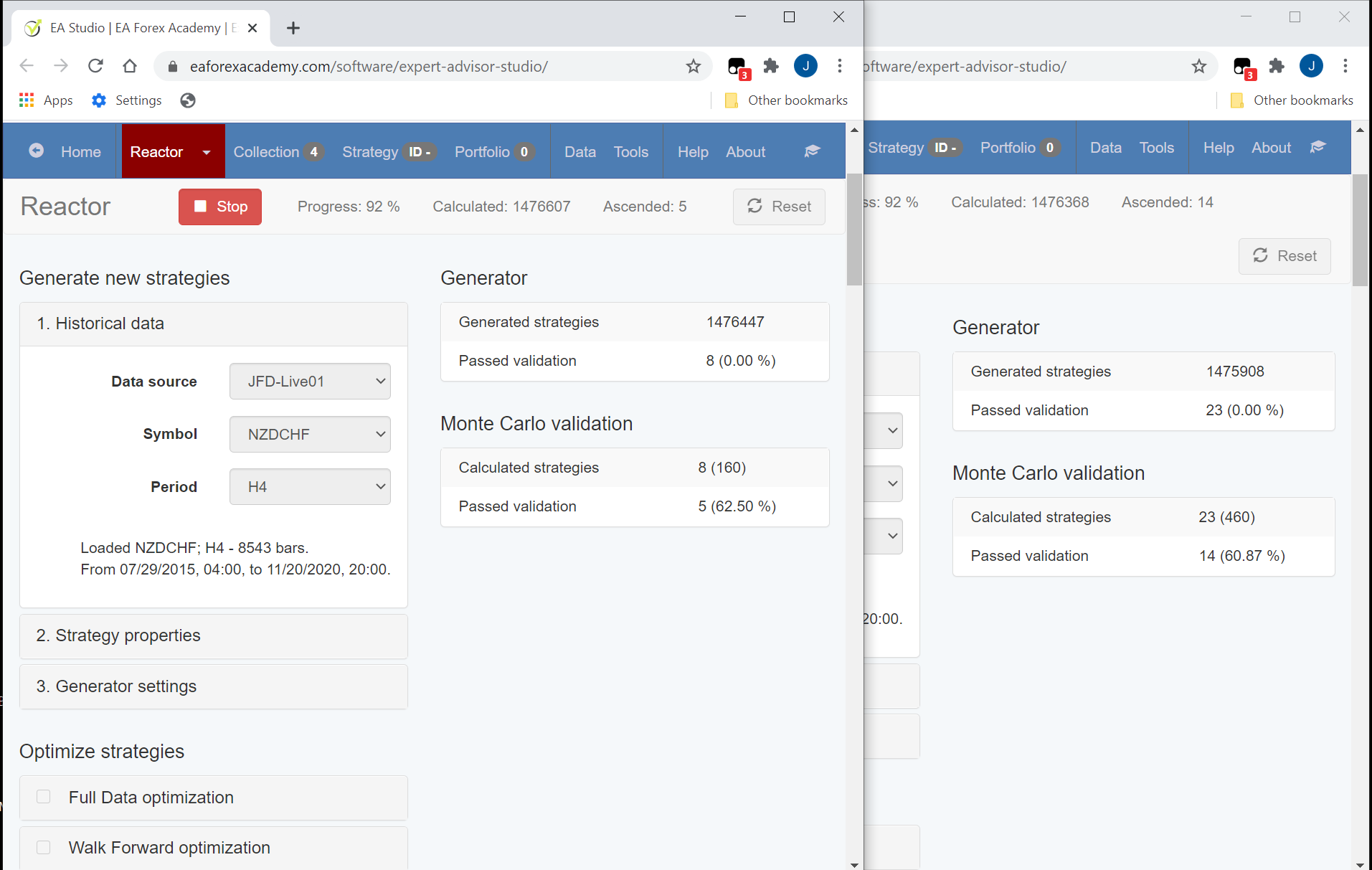
Here is what I found that might help you: Try minimizing the 2 browsers. That’s it =)
Attached is a copy of what I’m trying to say. I hope you found this useful.
Cheers,
Jay-R
 December 9, 2020 at 3:00 am #69220Member
Hey Richard & everybody,
Found a very efficient way to give equal power to all open windows with running EA Studio Reactors.
It doesn’t matter whether you’re using Chrome or Firefox. It’s a Windows solution.You need to open additional clean “Desktops”. It’s equivalent to adding a new virtual computer.
Here is how to do it:
1. I’m actually running 6 Reactors on my main Desktop called “Desktop 1” (more on that in a second).
2. I open a new clean Desktop called “Desktop 2” (tell you how in a second) and run 6 more Reactors.
3. Open another desktop “Desktop 3” and run 6 more Reactors.
4. And so on…
5. How many Reactors per Desktop and how many Desktops… depends on your computer.
Here’s how to open a new Desktop:
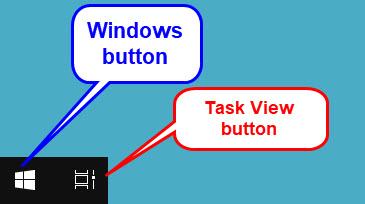
– Click on a button called “Task View” in the taskbar close to the Windows button (bottom left).
(If the “Task View” icon doesn’t appear in the taskbar, I’ll tell you how to put it there in a second).
A “Task View” window opens.– Click on a new Desktop (a square with a plus sign in it) at the top and a clean Desktop will open. It’s called “Desktop 2” automatically.
Now you have a clean Desktop – just like having a new virtual computer.– Go ahead and run a set of new reactors here.
– Do the same again for Desktop 3, 4, etc.
The “Task View” button looks like this:
… If it doesn’t appear on your taskbar, you can find it as follows:
– Right-click on an empty space on the taskbar
– Click on (select) “Show Task View button”
– The Task View button will then appear close to the Windows button.
December 9, 2020 at 5:51 am #69222ParticipantHi Asser.
Thanks for sharing. Yes I have been using this setup for a while. Helps to keep things organised. If you get to a situation where you start to run a lot of MT4 platforms you might want to also look at creating new users and running on each user. I find about 10 MT4 platforms per user is good. If you have to many per user it starts to lock up the mt4s I find. Not 100% sure but I think windows assigns a certain amount of cpu and ram to each user which helps spread the load over your PC. It also helps you get around the limit of a maximum of 32 instances of MT4 per PC as each user is considered to be it’s own PC….. I have had up to 50 MT4’s running at once but this is a bit excessive……. Just “switch” between users instead of logging out and this will keep everything running…… Now back to searching for a new broker…….
December 9, 2020 at 5:53 am #69223ParticipantYou can use CTRL WINDOWS and LEFT / RIGHT keys to “speed” between your desktops as well…..
December 9, 2020 at 8:09 pm #69225MemberGreat info, tips & tricks. Thank you Richard.
-
AuthorPosts
- You must be logged in to reply to this topic.