

Forum Replies Created
-
AuthorPosts
-
Petko Aleksandrov
ParticipantHello Petko,
I am also looking forward the video for the normalizer. I find it very useful but before actually using it, it will be great to see your point of you.
Kind regards,
James
ParticipantHey Simon,
Very smart questions here and points. These are things I have been stragleing with as well.
What I know for sure is that the Portfolios are for MT4 exclusively. This is because MT5 with most of the brokers do not support hedging, and trading with the portfolio EAs is hedging indeed.
Personally I am trading the EAs from the walk forward optimization course on my broker (different from what Petko uses) and I do well the last 3 months.
The idea is that we remove the strategies that do not perform well, right? So even those are different strategies from what Petko would be removing, still I will remain with the proftaible strategies from my broker.
Petkos courses are really amazing and I always ask him after I complete the course 🙂
Kind regards,
James
ParticipantHere it is Sisi. It takes just a bit more when I generate strategies using Walk Forward Optimization.
9. Walk Forward optimization: Forex trading with Portfolio EAs
I have uploaded the new strategies for October. They are grouped again in 3 portfolio Expert Advisors.
Cheers!
ParticipantI use as well a second-hand bought PC and it works just fine.
The good thing with the Desktops is that you can update it with RAM, Hard or anything.
ParticipantHey Petko,
thanks for all the updates!
I am missing the Portfolio Expert Advisors from whe Walk Forward course? Sorry if I do not see them..
ParticipantGood questions here, Simon. I needed those answers as well 🙂
Thanks, Petko! You are always very helpful!
ParticipantHello Simon,
I think you have enough power on your laptop. I7 is what I have and all the models there are good enough.
Maybe the RAM could be increased but I do not think it has an influence on the Reactor.
October 9, 2019 at 8:33 am in reply to: CODES FOR THE ALGO; WHY CHOOSE EAS/FSB; RUNNING FSB THROUGH VPS; DATA COLLECTIO #23549ParticipantYou are welcome Jay-R.
Yes, the thing is everyone has issues with the Historical data, just because the brokers do not really care about that. They do not provide enough data, or there are gaps, missing days etc.
The best data so far is from Ducascopy, but the problem is that they provide tick data which is not applicable in EA Studio and FSB Pro.
So now from Forex Software they are developing a program that will convert this data from ticks to bars and we expect that the result will be fanstastic….no gaps no missing days and 100% match between Demo and Live.
I will let you know when it is ready.
Cheers,
ParticipantSure, let me know if there is anything else.
Cheers,
ParticipantHello Gianluca,
Glad to hear that you liked my job. I appreciate your words.
Regarding your questions, I am not really sure if I understand you…do you mean if one EA can open many trades on one asset?
If the EA is from EA Studio, it will open just one trade at a time, and it will not open a second one before the first one is closed.
If the EA is from FSB Pro, there is the option to add to the position according to different rules.
Let me know if I answered the question or you wanted to ask something else.
Cheers,
ParticipantHello Simon,
no, the Generator works on the data that you import in EA Studio. When you export the data with the script you export the bars according to the timezone of the broker.
You do not need to do anything about it.
ParticipantCheers, Simon!
Let me know if there is anything else
October 8, 2019 at 12:41 pm in reply to: CODES FOR THE ALGO; WHY CHOOSE EAS/FSB; RUNNING FSB THROUGH VPS; DATA COLLECTIO #23500ParticipantHello Jay-R,
very good job! This is an important test that everyone should do.
First, you are doing the test on M1, which is the most active time frame and normally there come to the most differences between the Data.
The first strategies match perfectly. Strategy number 3 I see it matches just the recent period is different…
Actually the difference with you very very small….and there are 2 reasons for me from what I see:
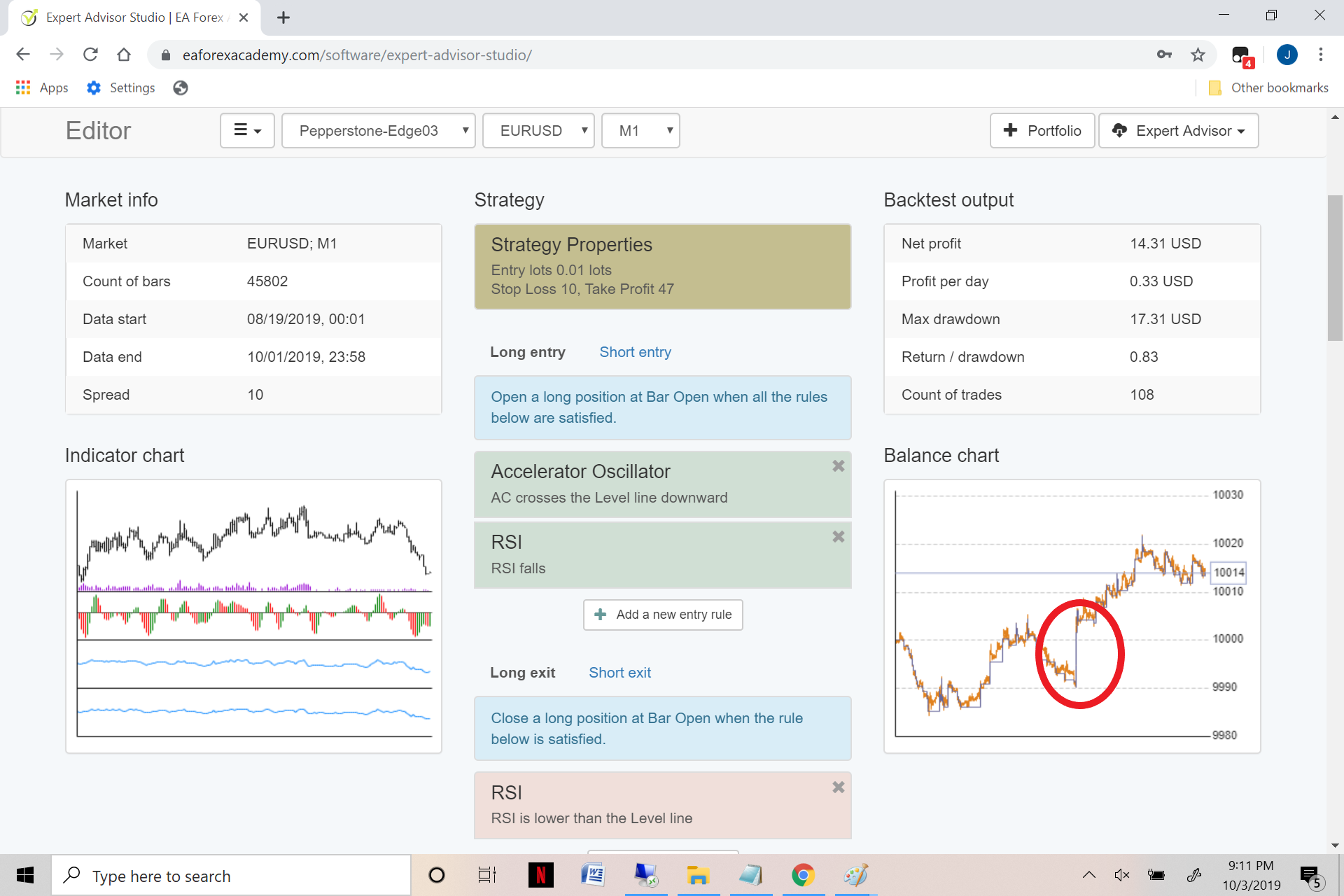
1. The number of trades that are in your Demo and Live data is different. Small difference but it can cause small differences in the backtest.
2. I think there is a gap in your data. Meaning that there are days missing.
You can check your data if you go to Data – Data Statistics – Statistics.
Look at Maximum Days Off. If there is no missing data, it should be no more than 2-3 days (weekends and holidays).
If this is the case, there might be different data missing in your Live and Demo data, which might coauses the difference.
BUT your data is just fine! The tests are fine. If couple of trades are different, it is alright.
Difference normally we consider when the backtest is totally different.
But in your case, it is just because of missing bars, which is normal for most brokers and it does not affect the future trading.
Regarding the data, we expect new data in EA Studio that will be 100% matching and without any missing bars.
I hope it will be ready next month.
Cheers,
ParticipantHey Jay-R,
I will do my best to record those updates tomorrow.
And yes, I use the Monte Carlo all the time. It is the strongest robustness tool for me.
ParticipantHey Simon,
the speed of EA Studio depends on 3 things:
- the processor of the computer
- what browser do you use ( Chrome works the best)
- the browser tab should be active
Also, the more count of bars you have, it does more calculations. So give it a try with 200 000, it will give you a bit more speed.
Cheers,
-
AuthorPosts