

Forum Replies Created
-
AuthorPosts
-
Petko Aleksandrov
ParticipantAnd some more pictures 🙂


 Participant
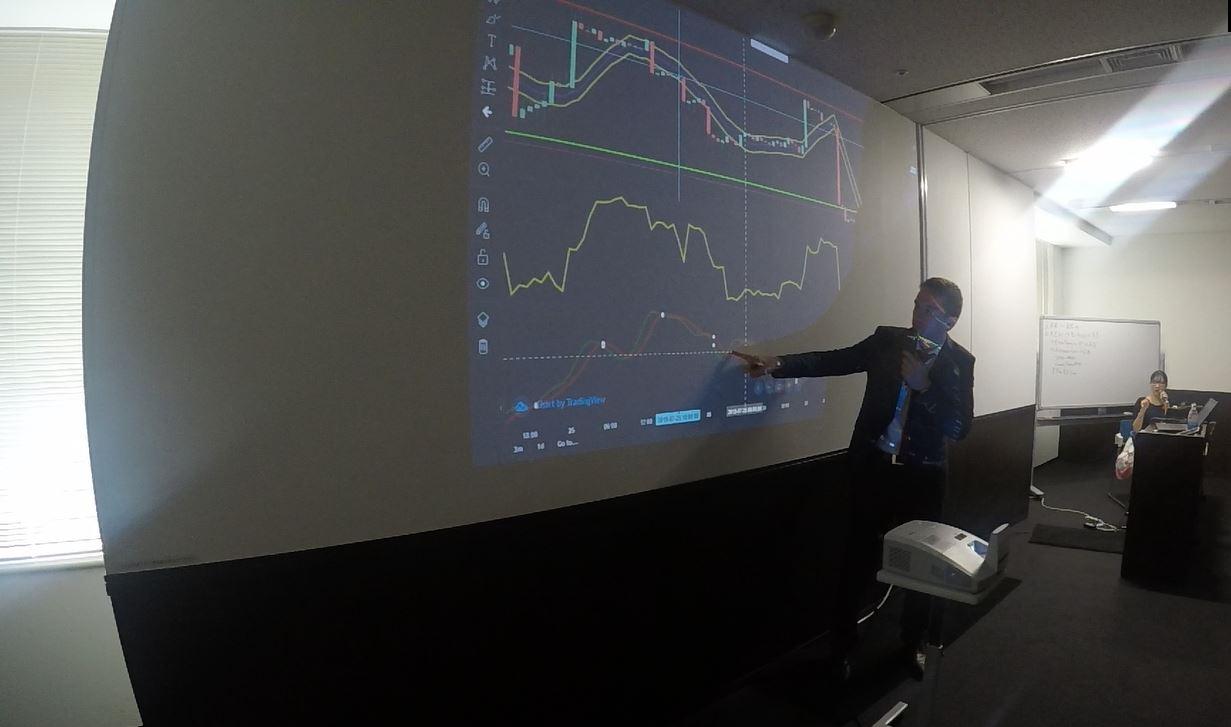
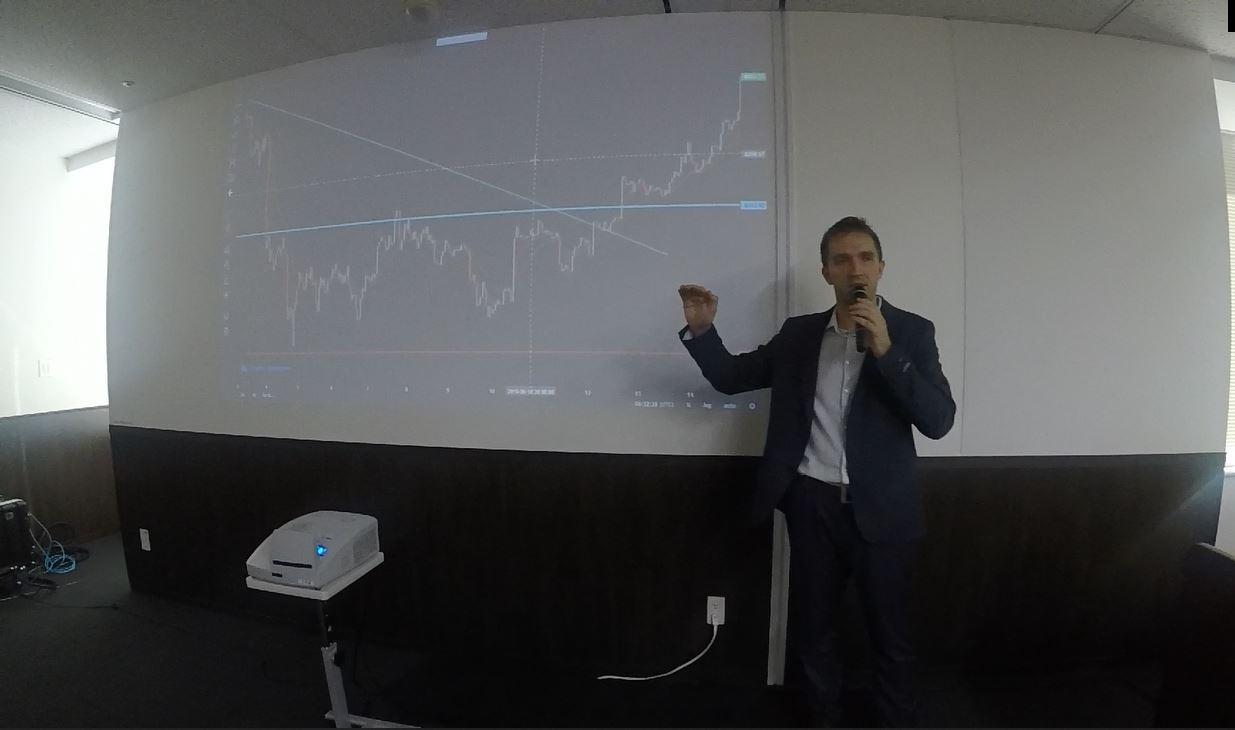
Some more pictures:




 Participant
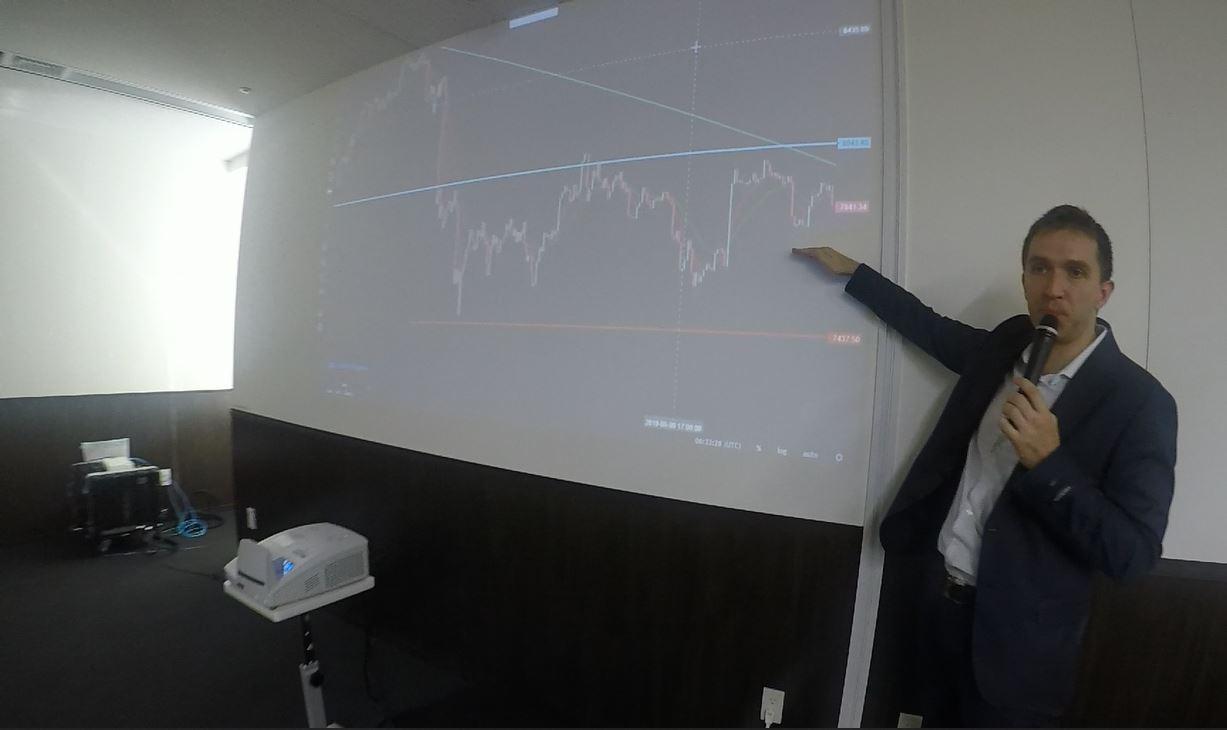
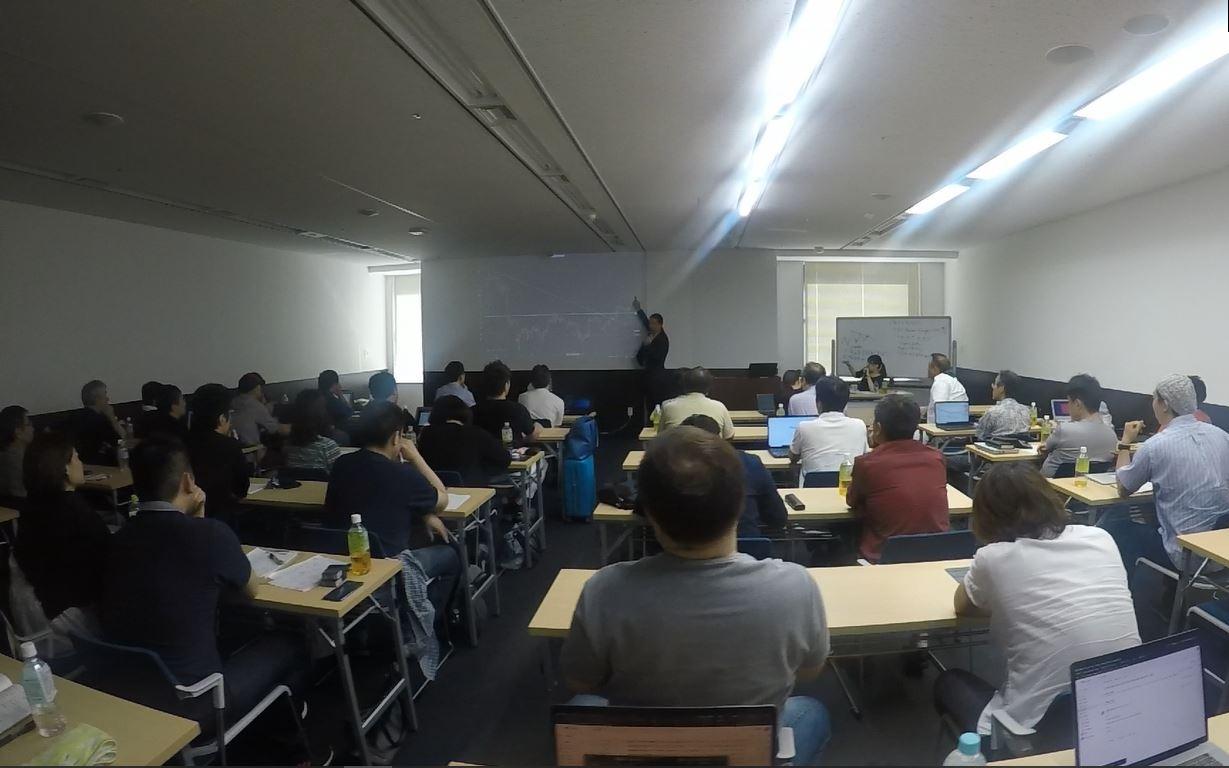
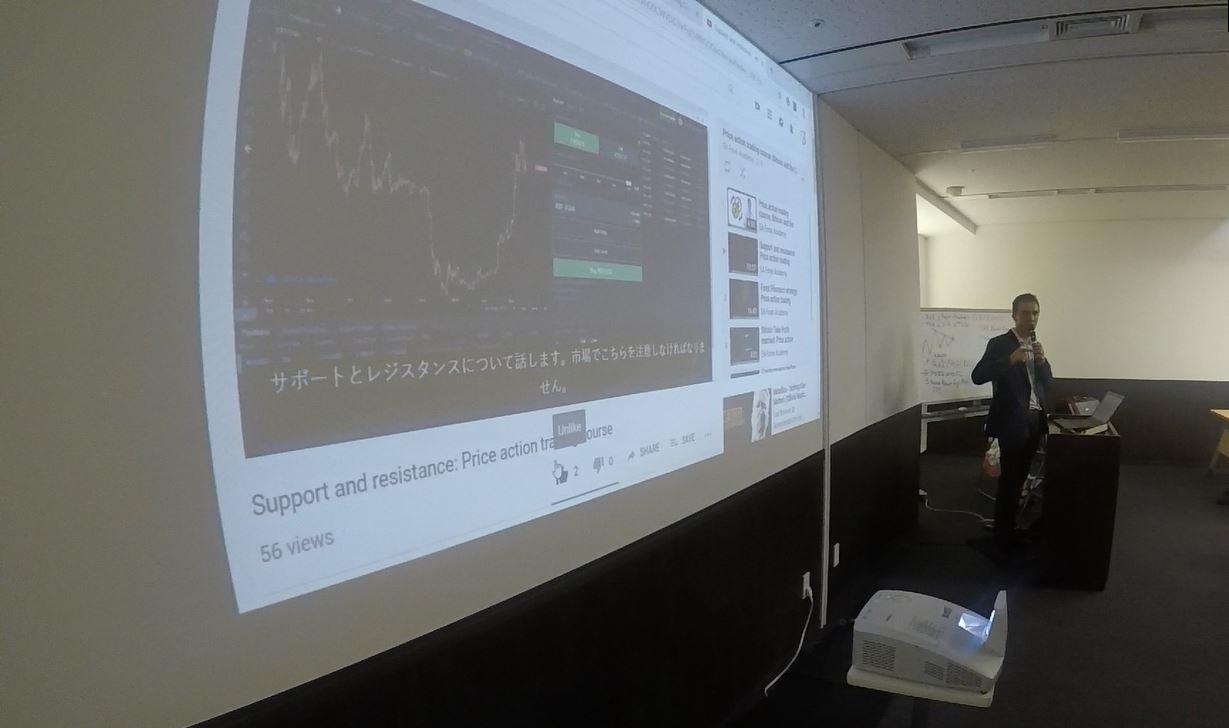
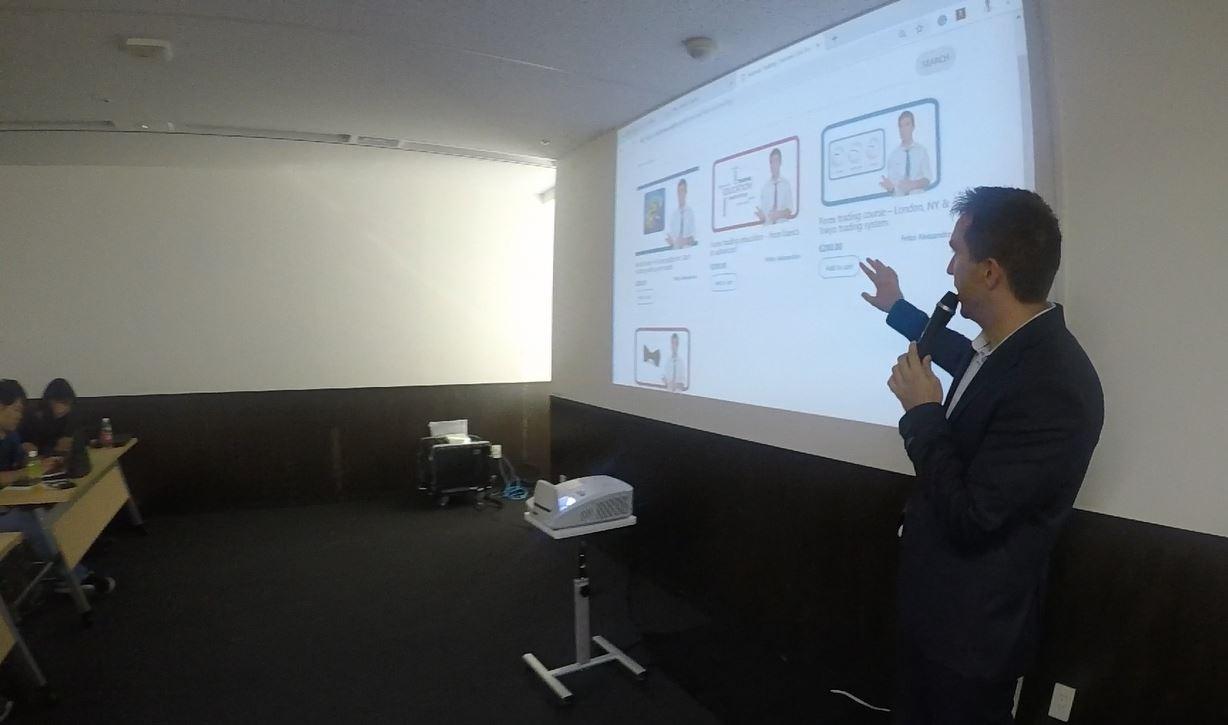
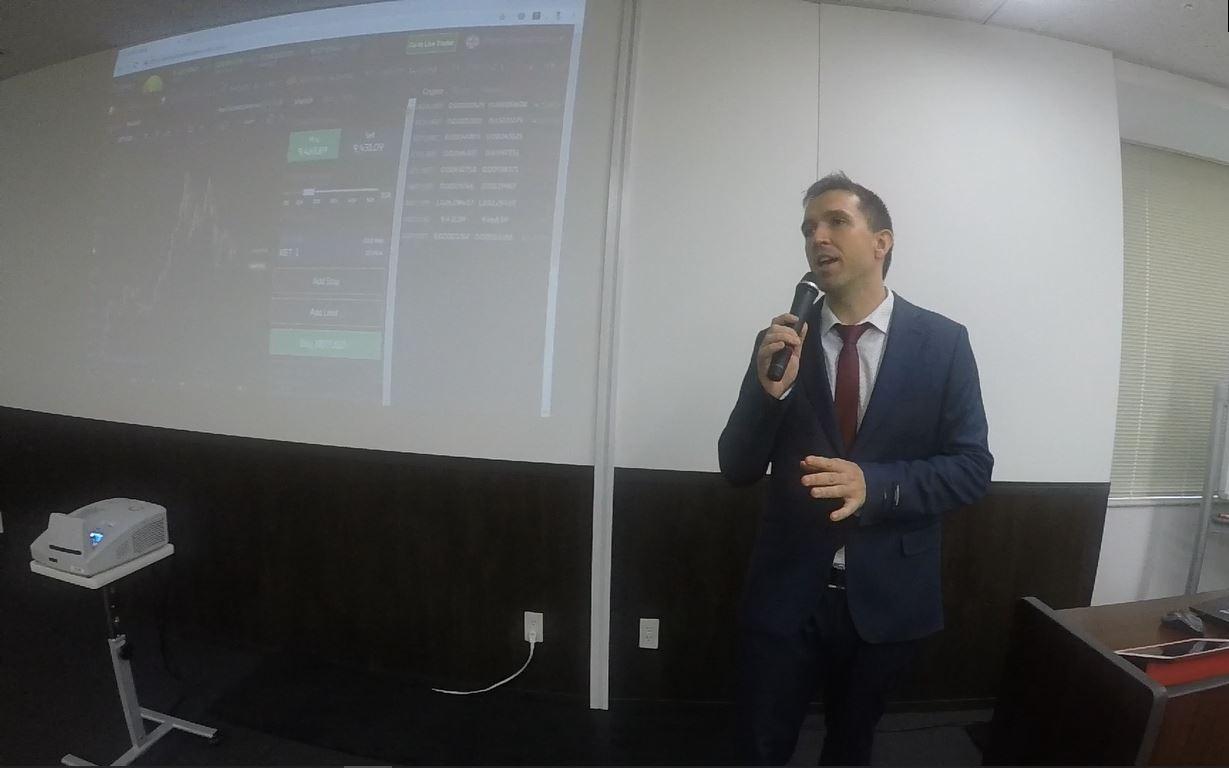
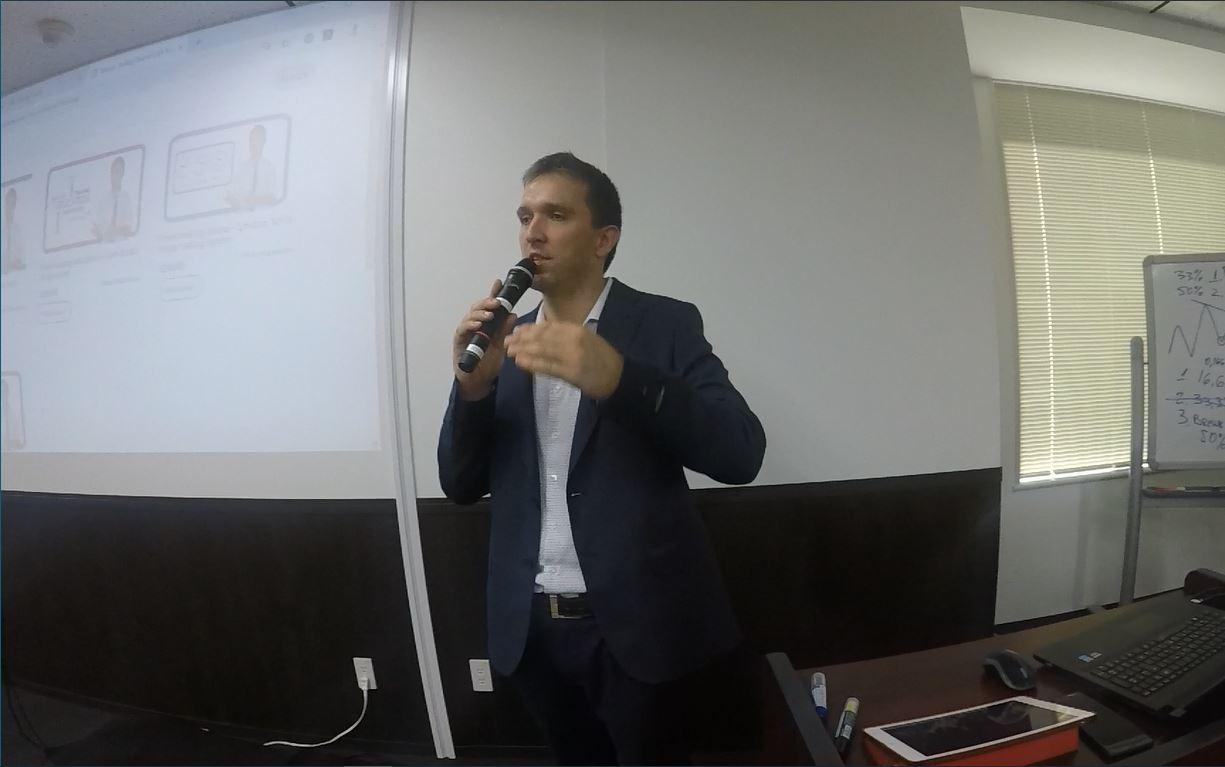
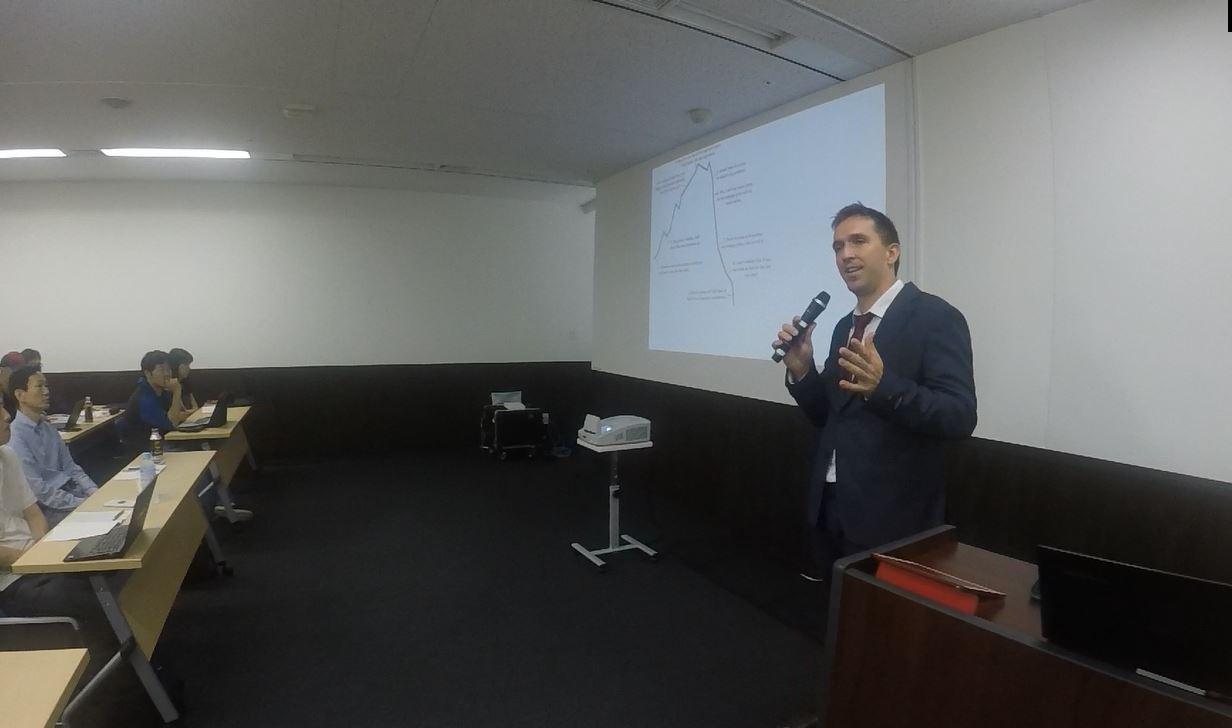
Here are some pictures from the Tokyo seminar:



 Participant
Hello,
Welcome to the Forum! Actually, you can add custom indicators in FSB Pro, and not in EA Studio. The indicators in EA Studio are added from the Forex Software LTD, however, if you wish to have a precise indicator, let me know, and I will contact them about it. They will put it on their to-do list, but normally they do not guarantee a time when they will place it in the program.
The idea of EA Studio is to work FAST, that is why it uses the indicators of Meta Trader. Also, when people put custom indicators(as it is in FSB Pro) there might be issues with the indicators. From the code of the indicators. And then normally the traders were blaming the FSB Pro work and the EAs, but the issues were coming from the custom indicators. Just sharing with you why it is not available right now.
Regards,
ParticipantHello Riuzk,
Yes in the FSB Pro you have the option to select specific days for trading.
I have personally asked the developer, Mr Popov, to add this indicator in EA Studio, and it is in his to-do list. However, I am not sure when it will be available. Once it is, I will let you know.
Kind regards,
Participant3. How to trade Forex with 100 GBPUSD strategies in the account
I have just uploaded the new Portfolio EAs for the GBPUSD.
Participant2 Automated Forex trading course + 99 Expert Advisors
I have just uploaded the new 99 EAs for the month of August.
ParticipantDear traders,
Here are the first updates for the courses:
1. Forex strategy course – Portfolio trading with 12 Expert Advisors
I have uploaded the new 12 EAs to the Practical activity of the course.
Make sure to test them on a Demo account first.
August 5, 2019 at 4:57 pm in reply to: Amazing results with a Portfolio Expert Advisor for EURUSD #17447ParticipantI see that he used M1 time frame. I liked it…still waiting for the EAs Andi 🙂
ParticipantHello Riuzk,
that is available in FSB Pro for sure. There is an indicator called Days of the week. It allows you to use the EAs only the days you have chosen, or the days the generator selected.
I am not sure if it is possible with EA Studio.
If not, you can just stop the EA on the day you do not want to do trading.
Anyway, even it is available in the EA Studio or FSB Pro, it matters when you create the EAs. If you want to eliminate someday after you see result and stats, it means you have to change it in the EA itself.
For me, the easiest would be to stop the EA for that day.
ParticipantNice! Wish I was there!
August 4, 2019 at 8:40 pm in reply to: Forex strategy, Forex ea or cryptocurrency ea – share with everyone #17403ParticipantI would suggest you do the same as Andi. Generate EAs with trailing SL and you will not have issues.
Or just build your ones with Trailing.
Cheers,
ParticipantHey guys,
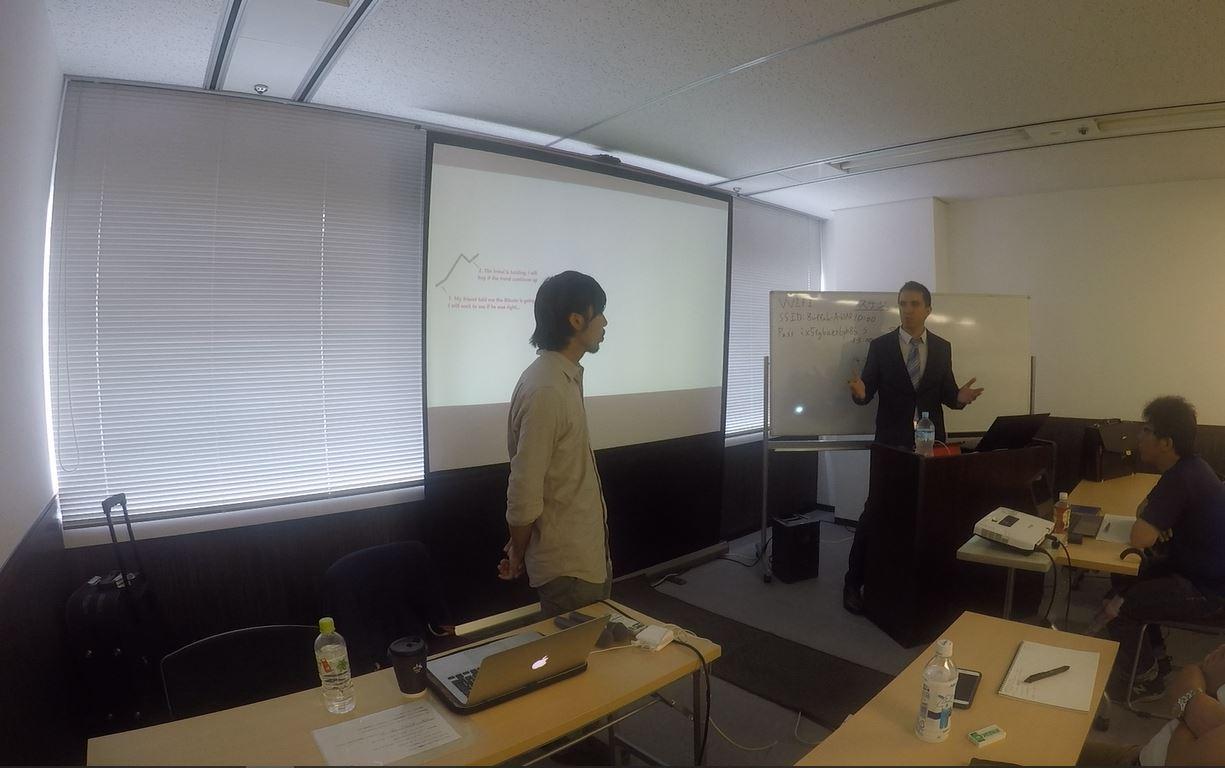
I am just back from Japan. It was really a great experience. Not that much the country, but the people. They are so polite and disciplined. That is what impressed me the most.
Here are some pictures from the seminar in Osaka:




 August 1, 2019 at 11:42 am in reply to: Forex strategy course – Portfolio trading with 12 Expert Advisors – Questions #17208Participant
Hey Simon,
I think you are doing a good job. This is exactly what you need to do…experiment, test and progress…
Now, regarding this strategy, I think you have a lot of exit conditions. Try to remove at least 2, and repeat the optimization. See if this will bring you better profits. I do not like having the strategies losing recently but if you look at its equity line there was such a period in the beginning. So yes, it worths testing it.
But once again, try to remove a few of the Exit conditions. they might limit the optimizer for finding better parameters at the end.
ParticipantHey Simon,
here are the recommendations from the software company:
System Requirements
Recommended Hardware:
CPU: a modern 4 cores processor. RAM: 8 GB or more.Minimal Hardware:
CPU: 2 cores processor, RAM: 2 GB.Software Requirements:
Supported OS: Windows XP, Vista, 7, 8, 8.1, 10.
Microsoft .NET 4.0 or a newer version. MetaTrader 4 or MetaTrader 5. -
AuthorPosts