

Forum Replies Created
-
AuthorPosts
-
February 7, 2024 at 1:40 am in reply to: Generating “Out of sample” Strategies like EA Studio #232821
Alan Northam
ParticipantHi Crypto,
You can only upload one collection using this method. When you upload a second collection it will over-ride the previous upload.
Alan,
ParticipantHi Chris,
They are updated one a month.
Alan,
ParticipantHi Tanyeem,
I would wait until the end of the week to make any changes.
Alan,
ParticipantHi Akhrorkhon,
If you are using MT4 and you see a smiley face in the upper right corner of the Chart then the EA is set up correctly and you just need to give the EA more time to trade.
If you are using MT5 and you see a Blue Hat in the upper right corner of the Chart then the EA is set up correctly and you just need to give the EA more time to trade.
Alan,
ParticipantHi KindWhale,
Before installing the Expert Advisors on the MT4 charts the Auto Trade button in the toolbar needs to be pressed. After pressing the Auto Trade button then install the Expert Advisors.
Alan,
February 6, 2024 at 12:01 pm in reply to: Prop Firm Robots App & v6.0 – New Features Released! #232534ParticipantHi ayoub,
Click on Y1 or Y5 to see all the robots.
Alan,
ParticipantHi Antoine,
I am not sure to what you are referring. Can you give more detail as to your question?
Alan,
ParticipantHi Alejandro,
As long as kortana allows trading with EAs and you have a smiley face in the upper right corner of the chart the robots should be working.
To test the robots you can do a backtest using the Strategy Tester.
Alan,
ParticipantHi Alejandro,
As long as kortana allows trading with EAs and you have a smiley face in the upper right corner of the chart the robots should be working.
To test the robots you can do a backtest using the Strategy Tester.
Alan,
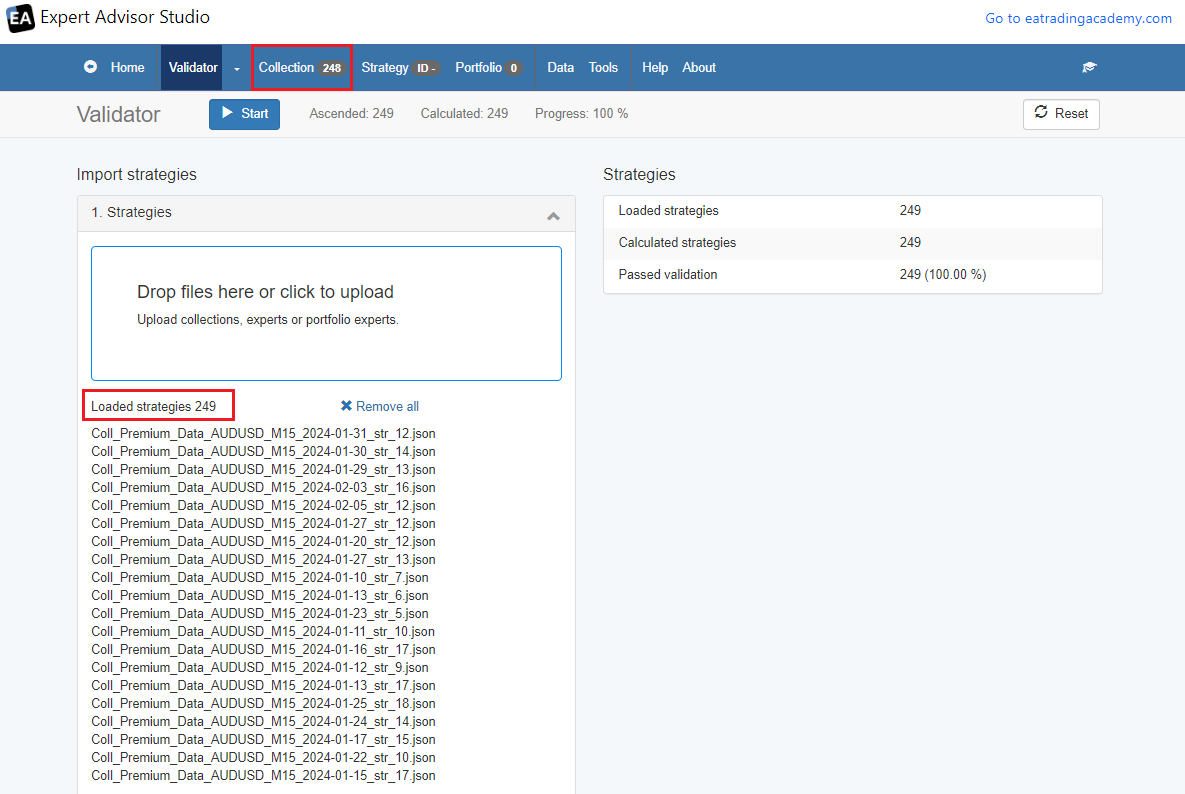
February 6, 2024 at 9:54 am in reply to: Generating “Out of sample” Strategies like EA Studio #232497ParticipantHi Crypto,
As long as both collections are for the same currency pair you should be able to upload more than one collection.
Alan,
ParticipantHi Fediox,
This happens when the robot properties are not set up correctly for your account size. Are you using a prop firm, if so which one. What is your account size. Also show a screenshot of the complete robot properties box so I can check all the parameters.
Alan,
ParticipantHi Jay,
If the robots are making good weekly profit you can hold for another week. If one of the robots is not making good profit then you might just want to replace that one robot.
Alan,
ParticipantHi Alejandro,
I selected the top 3 weekly robots and started trading them this week. Today I have two open trades. For me to help you further I need more information. Which robots are you trading and did you select the weekly or monthly robots and are you using MT4 or MT5. Also are you using FTMO demo account or challenge, what size account and when you selected the robots which selections did you make such as max daily loss, max loss, and profit target.
Alan,
February 5, 2024 at 10:17 pm in reply to: Prop Firm Robots App & v6.0 – New Features Released! #232395ParticipantHi Callum,
The FTMO app update now lets you set the Account Size, Max loss, Max daily loss, and Price target. Then you download the robots you want to trade and all the settings will be correct. This new video will show you how to do it:
https://www.youtube.com/watch?v=5EWNP9L2q5U
Alan,
February 5, 2024 at 8:07 pm in reply to: Prop Firm Robots App & v6.0 – New Features Released! #232348ParticipantHi Callum,
It depends upon what the daily loss requirement is, the maximum loss and the profit target. If they are different from the FTMO challenge then adjustments will need to be made.
Alan,
-
AuthorPosts